MLS / IDX
Integration
Accurate Listings. Kept Current.
Show eligible MLS listings on your agent website, with property search, listing pages, maps and saved-search alerts, from the feeds your board approves for you.
- MLS Connectivity
- Listing Updates
- Advanced Search
- Map Search
- Saved Search & Alerts
- Data Compliance
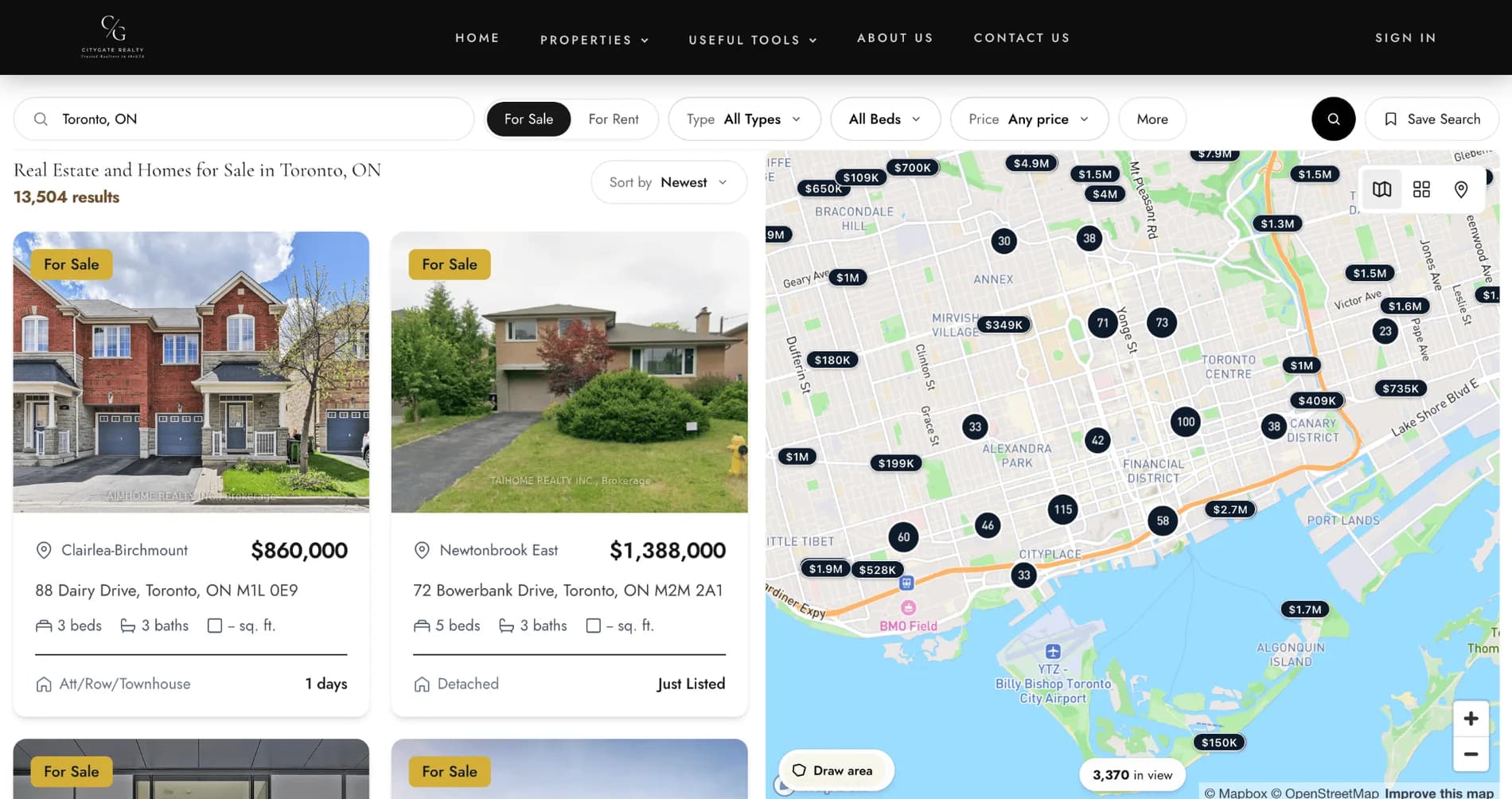
Built to Work with MLS and Real Estate Data Providers
Connected todayTRREB · Toronto / GTA, ONMLS PIN · Massachusetts & New England
On the roadmapMore boards being worked through
See MLS coverageCoverage depends on your board, data provider and licensing. We confirm your MLS before you commit.
Everything You Need. Built for Real Estate.
RealFoyer connects the MLS or board feed you are authorised for and turns it into property search, listing pages, map results, saved searches and alerts on your website.
MLS Connectivity
Connect approved MLS or real estate data feeds based on your board, provider and licensing requirements.
MLS / BoardConnected today
- TRREBConnected today
- MLS PINConnected today
- On the roadmap49
Keep Property Data Current
Listings, prices and status stay in step with the feed your MLS or provider makes available.
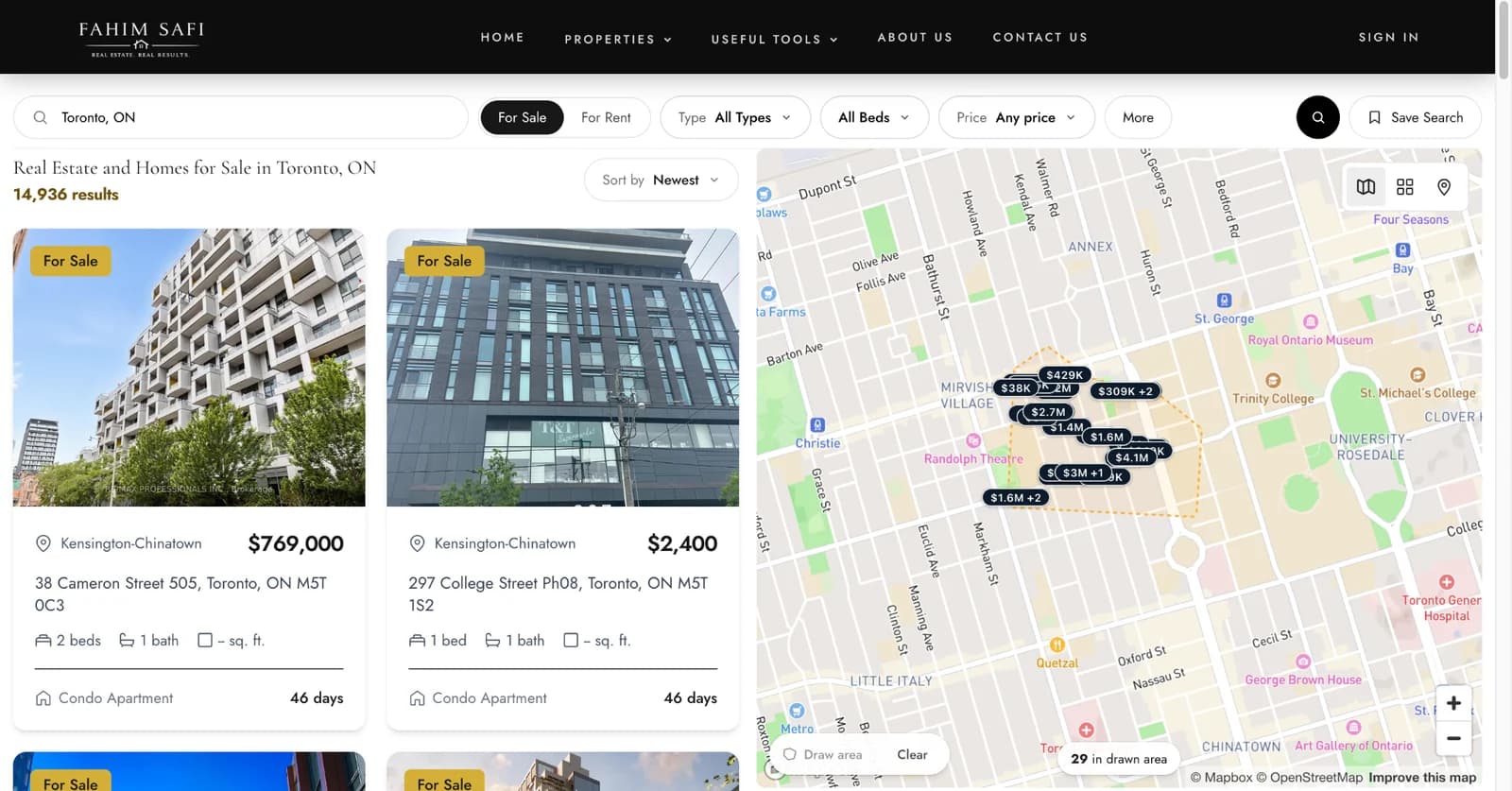
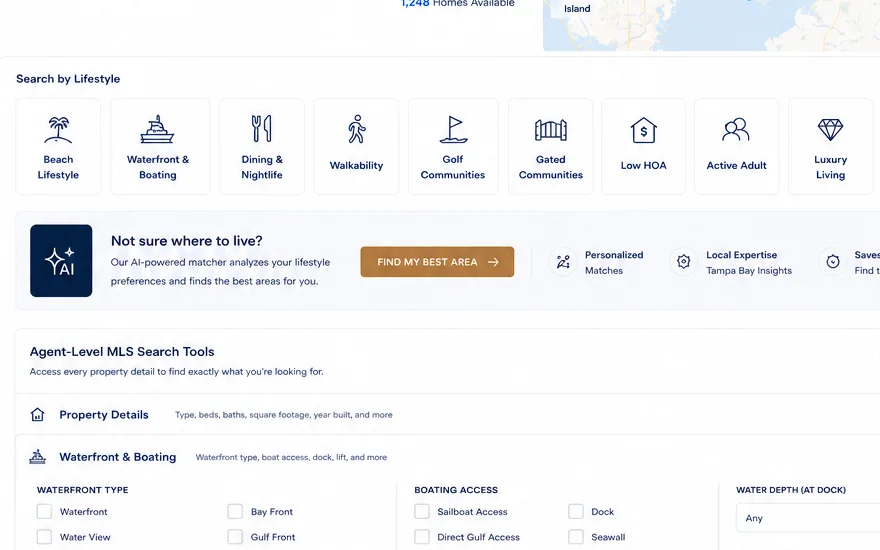
Advanced Property Search
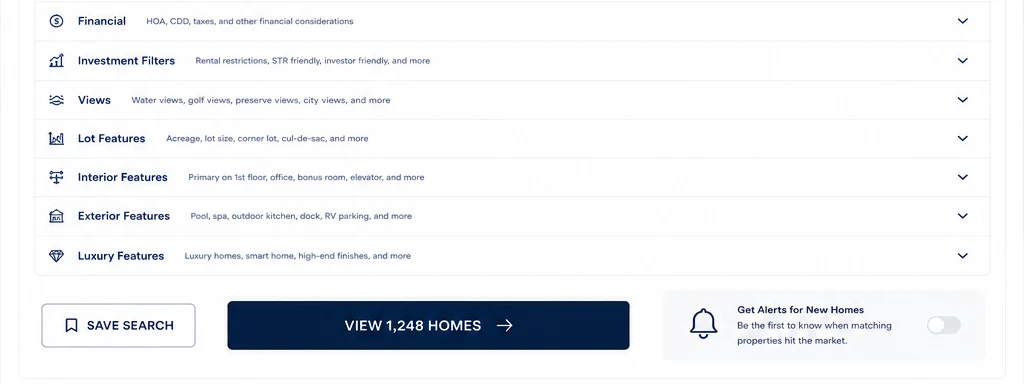
Location, price, beds, baths and type, plus lifestyle filters and agent-level MLS fields where the feed carries them.
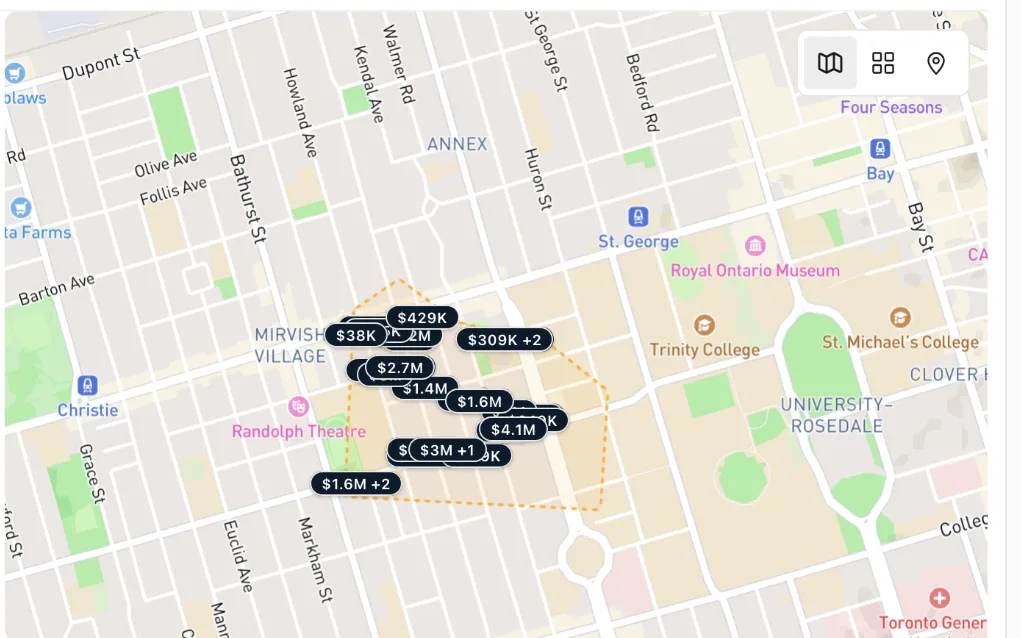
Map Search
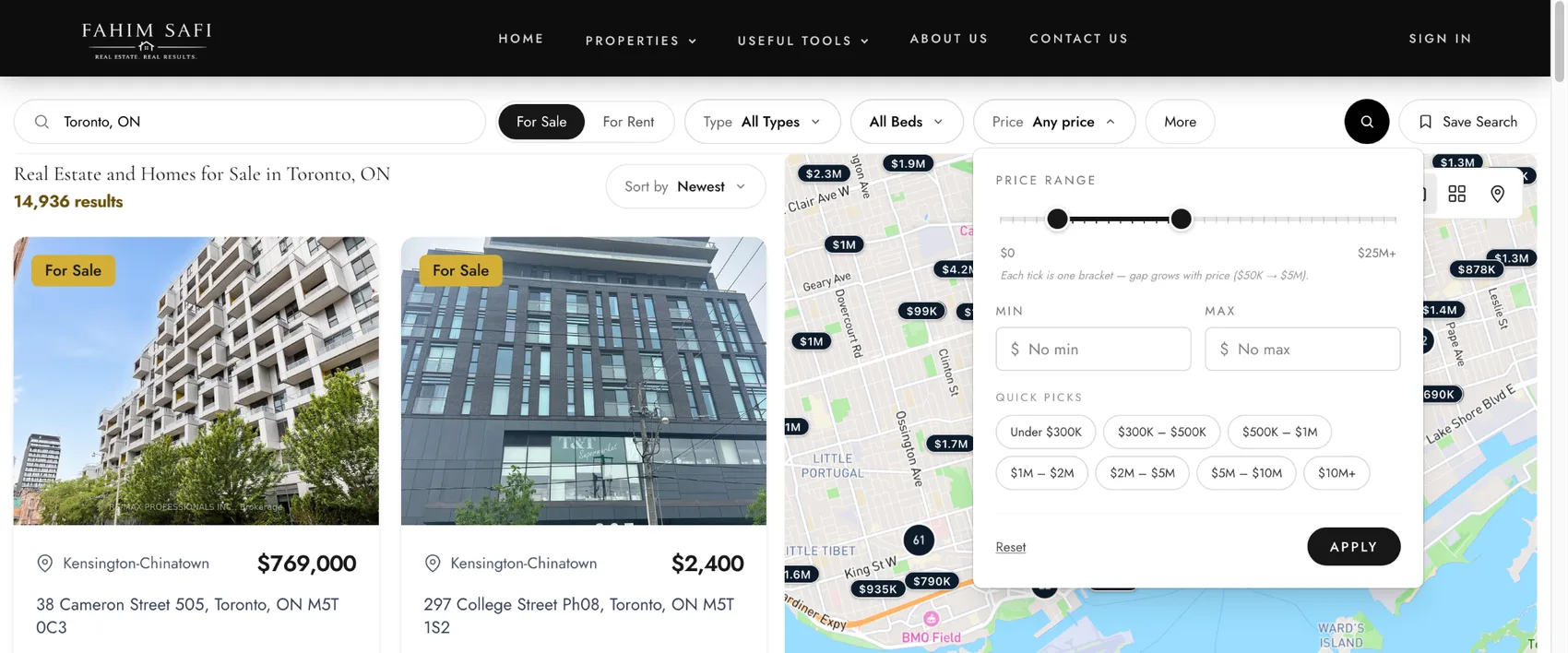
Price markers, clustering and draw-an-area search over the results, with a live count as the map moves.
Saved Searches & Listing Alerts
Visitors save a search and opt in to be told when matching listings come to market.
MLS Data Requirements
Listing attribution, last-updated stamps and the IDX disclosures each market requires.
How an MLS Integration Gets Connected
1. Name your board
Your MLS or board; we confirm availability first.
2. Authorisation
Your board's data agreement and credentials, or a request on your behalf.
3. Feed configured
On the route your board uses; the method depends on the MLS.
4. Import and normalise
Listings, media, rooms, open houses and coordinates, indexed for search.
5. Live, then synchronised
Pages go live; scheduled runs keep them current.
Inside the Integration
What RealFoyer imports
- Identifiers, status, price, address, details, photos, rooms, open houses, coordinates, price history and, where the board permits, sold history, with attribution and timestamps. Fields depend on the feed and board permissions.
How updates flow to the website
- Feed → normalisation → database and search index → search, property pages and map results.
- Status changes carry through; listings that leave the feed stop showing.
Data quality and compliance
- Display rules are the board's; sites in different markets can legitimately show different data and disclosures.
IDX, VOW and MLS access
- IDX is public listing display under board rules. VOW may show more to signed-in visitors, per board. MLS access is the underlying credential.
Multiple MLS. One Platform.
Connect the boards you are approved for and manage them from one dashboard.
- RESO / RETSWhere the board supports it
- IDX / VOWTo your board's rules
- Scheduled UpdatesAt the feed's cadence
- Secure HandlingCredentials and feeds
- Built for SearchMap and filter performance
What it does not do
MLS access is granted by your board, not by software. These are the boundaries that follow from that.
- RealFoyer cannot grant you MLS access. Your board decides what data you may display, and the connection follows that entitlement rather than replacing it.
- Board coverage is confirmed case by case. We do not publish a board list or a coverage count, because what any one brokerage may show differs by agreement.
- Ingestion runs on a schedule. Listings, media and geocoding sync on cron rather than streaming, so a change on the board appears after the next run, not the same second.
- There is no property recommendation engine. Buyers search, filter, save and get alerts; nothing suggests listings to them on its own.
Who It Is For
Agents
Your approved board, on your IDX website.
Teams
One shared search; every enquiry in one CRM.
Brokerages
More than one board where approvals exist, each connected separately.
FAQ
MLS Integration, Answered
Which MLS boards does RealFoyer support?
Confirmed board by board; see the coverage page.
Do I need MLS approval or credentials?
Yes. Your board grants access under its data agreement.
How often does listing data update?
On scheduled runs, at a cadence set per feed.
Does RealFoyer support sold listings?
Where the board and your data agreement permit it.
Does RealFoyer support the RESO Web API?
Yes, over OData as the primary route; the method depends on the MLS.
More Listings. Better Search.
Stronger Client Experience.
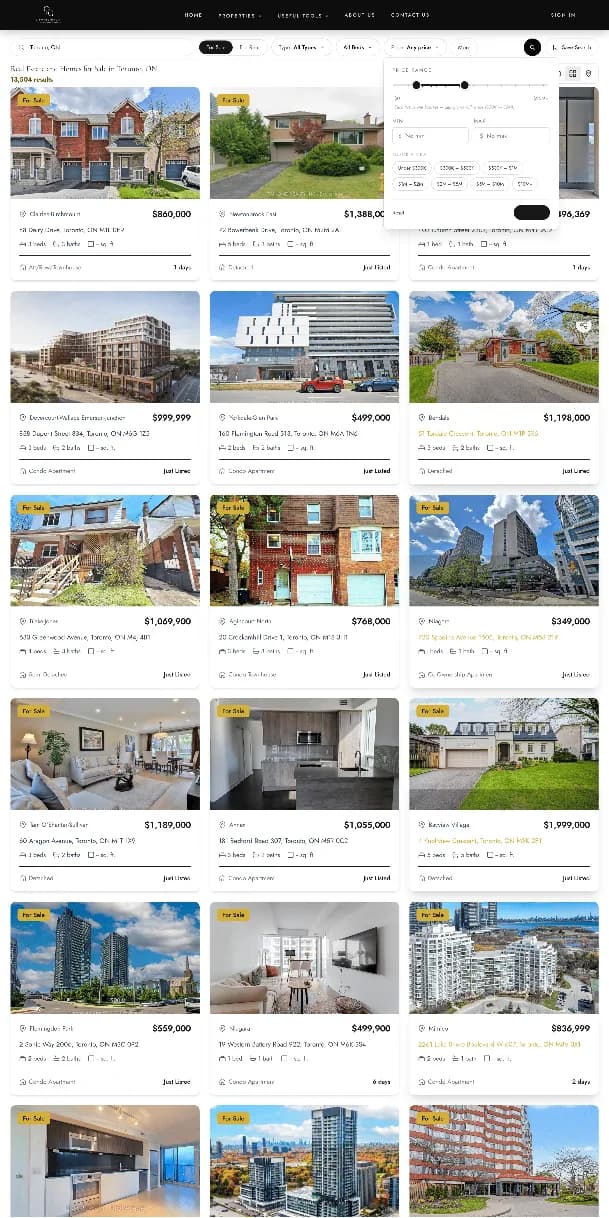
Give buyers a better property-search experience using MLS data connected to your RealFoyer website.
- 14-Day Free Trial
- No Credit Card Required
- MLS Availability Confirmed Before Launch
Keep exploring
Further reading
- How to Add MLS Listings to Your Website: The Actual Steps
- MLS Plugin vs IDX Widget vs Direct MLS Integration
- WordPress IDX Plugins Compared (2026 Prices)
- Add MLS Listings to Wix, Squarespace or WordPress
- How Much Does an IDX Website Cost? (2026 Fees)
- MLS and IDX Fees by Board (2026)
- MLS Data Feed & Integration: From Feed to Listing Page
- IDX Compliance: What Your Real Estate Website Must Handle
- What Is an IDX Website? A Guide for Agents & Brokerages
- RETS vs RESO Web API: The Difference, Explained
- IDX Broker Pricing and Alternatives (2026)
- iHomefinder Pricing and Alternatives (2026)
- Multiple MLS Regions on One Website: A Broker's Guide
In the Help Centre