AI Marketing.
Smarter Outreach.
Better Results.
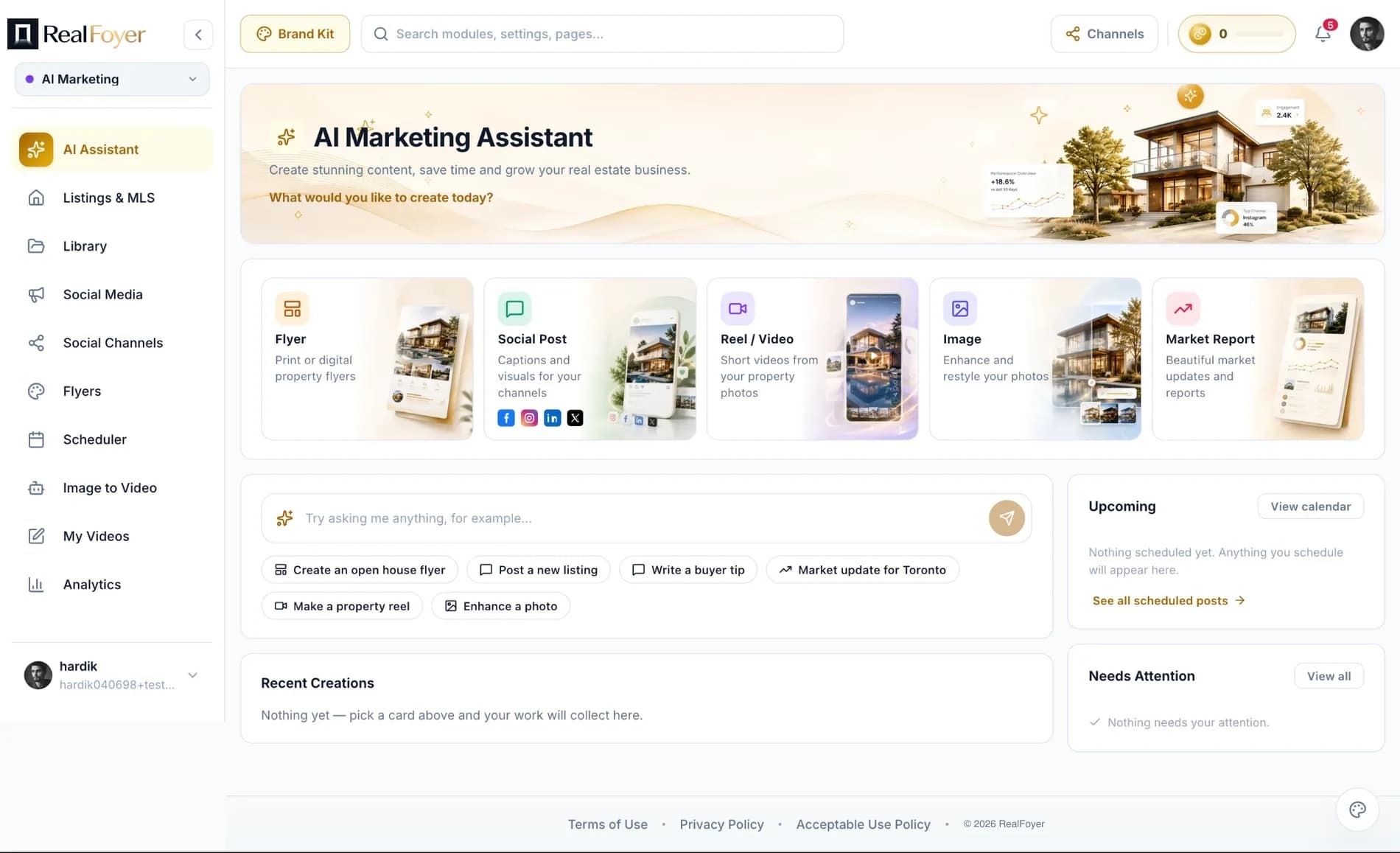
Create real estate marketing content, manage campaigns and publish across your channels with AI-assisted tools designed for agents, teams and brokerages.
- AI Content Generation
- Email Campaigns
- Social Publishing
- Flyer Design
- Content Scheduling
- Campaign Reporting
Designed for agents affiliated with leading brokerages








Everything You Need to Market Smarter
AI here does one narrow job well: it removes the blank page. Give it a listing and it drafts the public remarks, the flyer headline and the caption. You read them, fix them and publish to Facebook, Instagram, LinkedIn and X from the same place. Whether the copy is safe to publish stays your call.
AI Content Generation
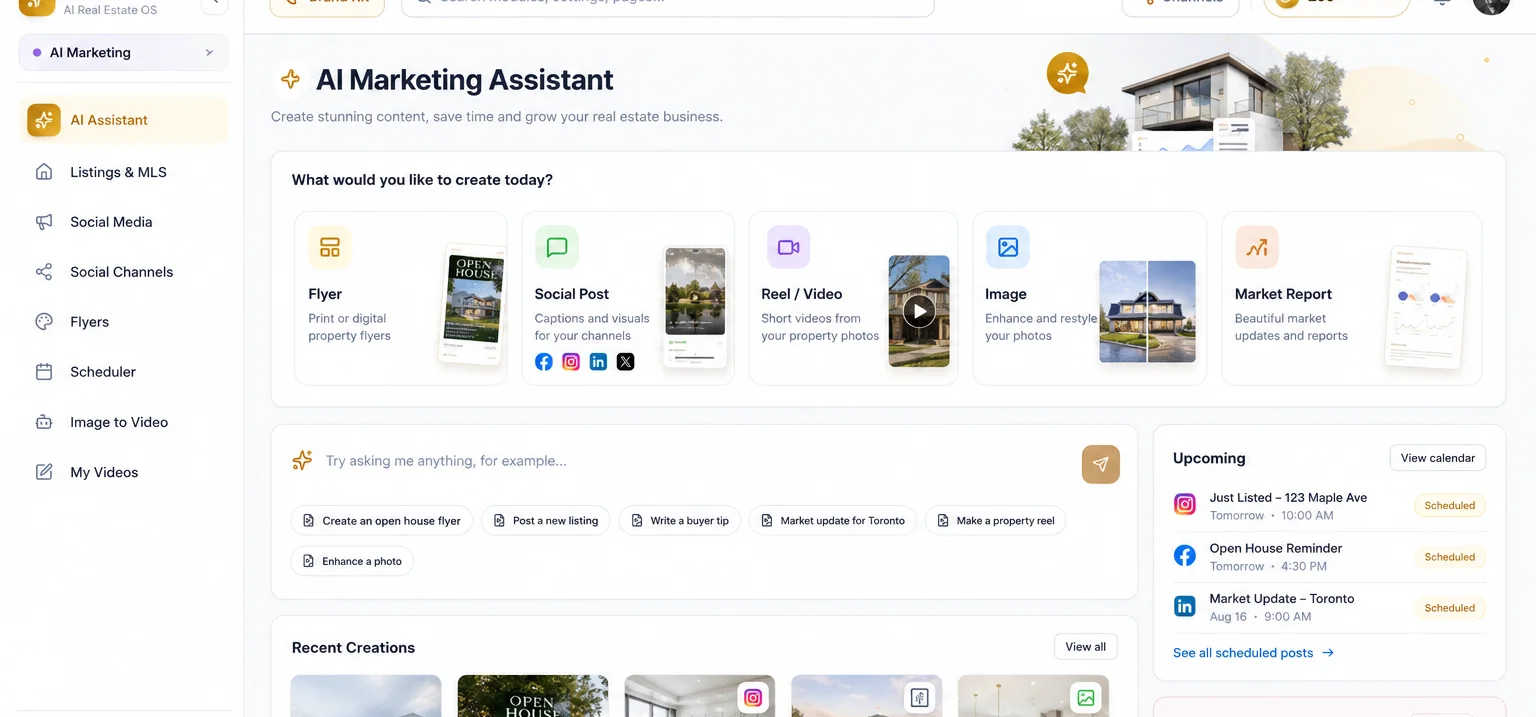
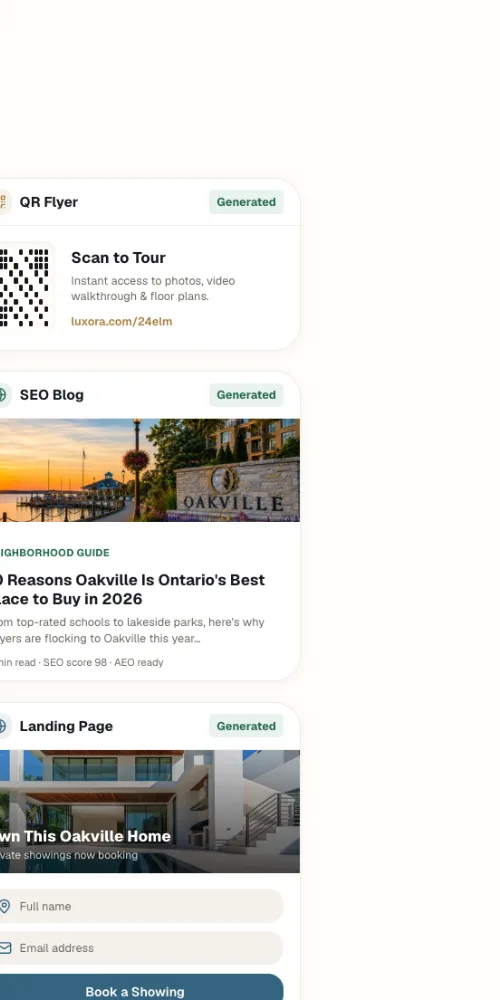
Draft listing descriptions, headlines and social captions from your own listings, or turn a published blog post into a caption that promotes it.
Email Campaigns
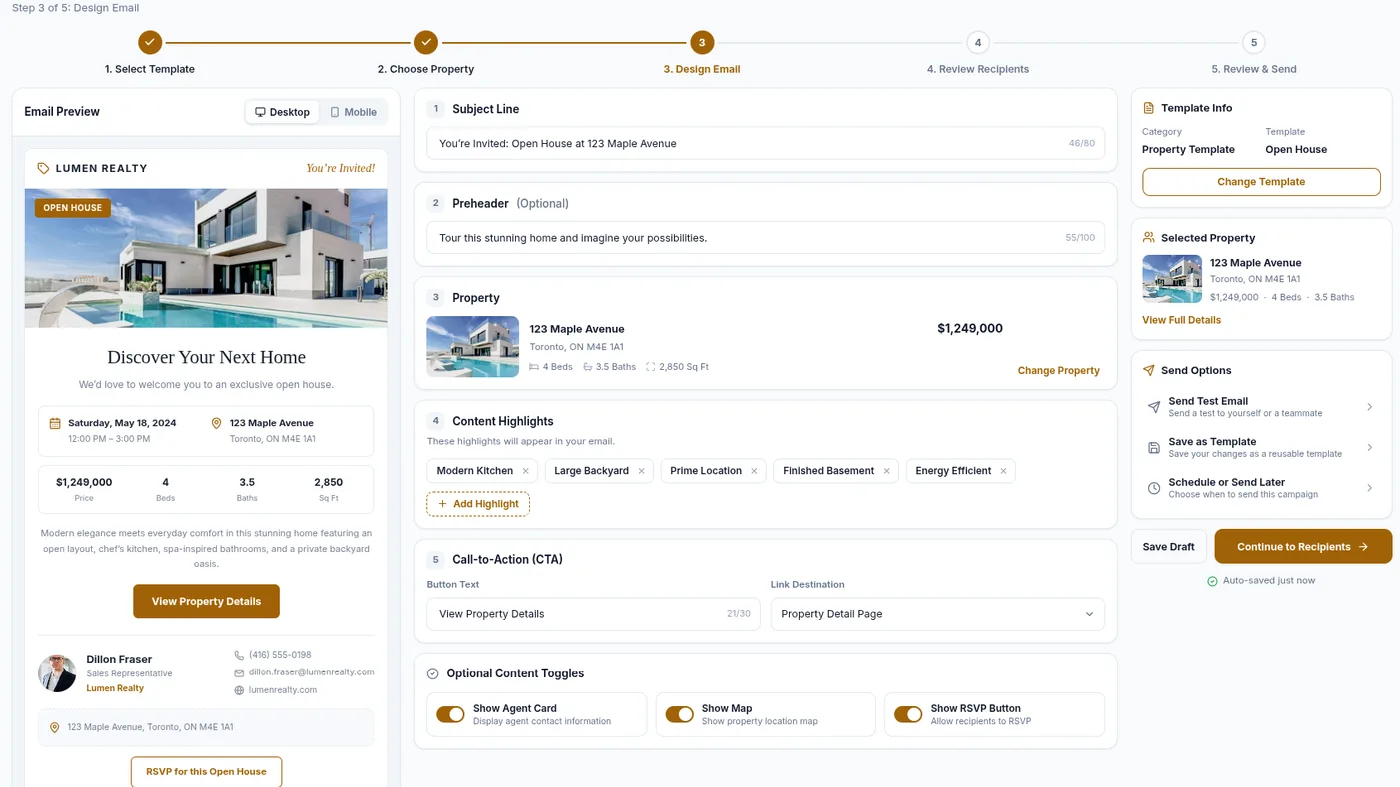
Build a campaign around a listing in the structured email builder, preview it, then send a test or schedule it. The AI does not write the email.
Social Media Publishing
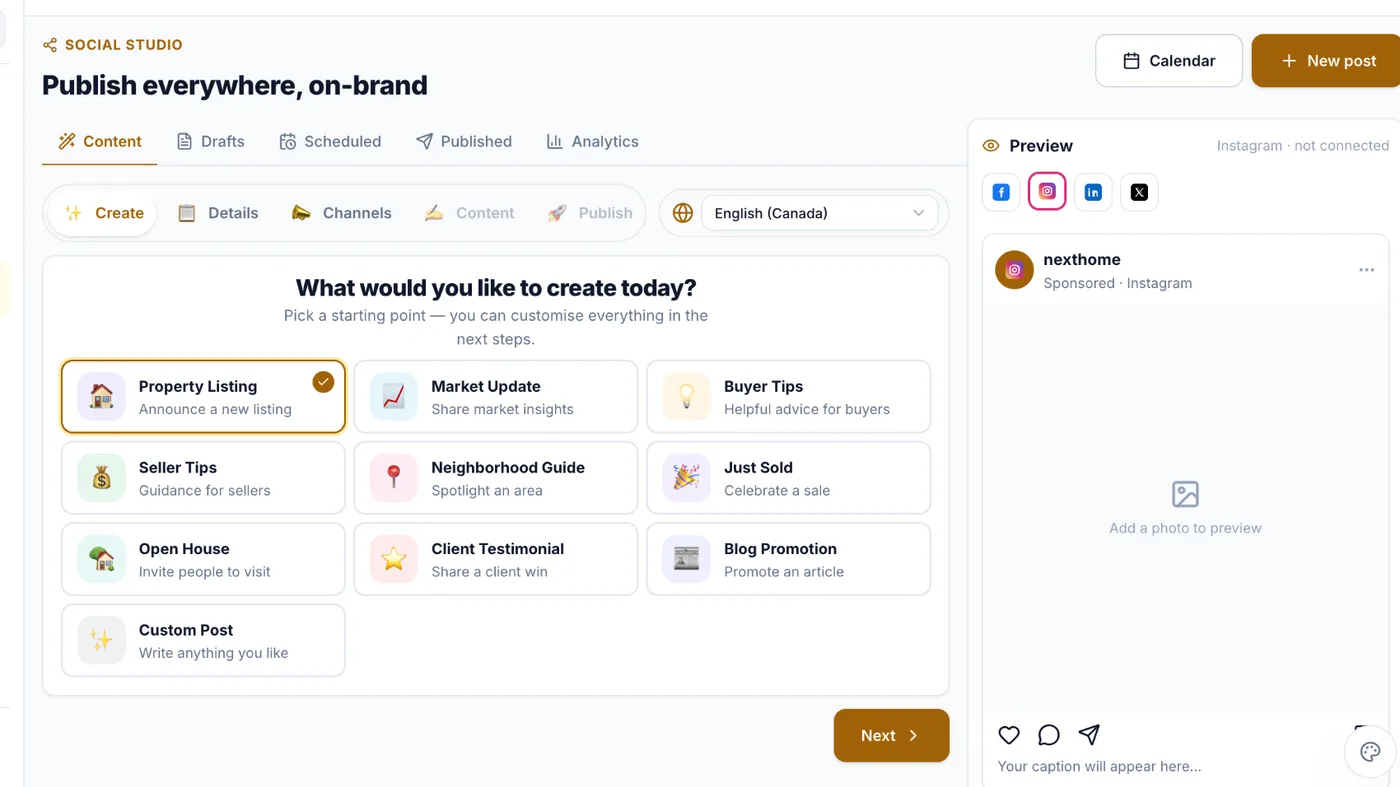
Compose once and publish to Facebook, Instagram, LinkedIn and X, with a caption per network and a live preview per channel.
Flyers & Branded Images
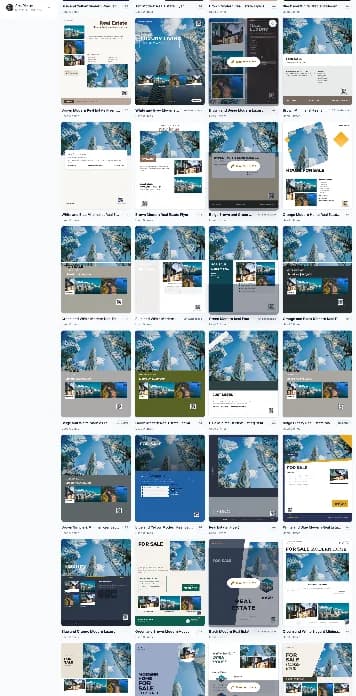
Generate flyer designs from a template library with AI-written headlines and descriptions, with your brand settings applied.
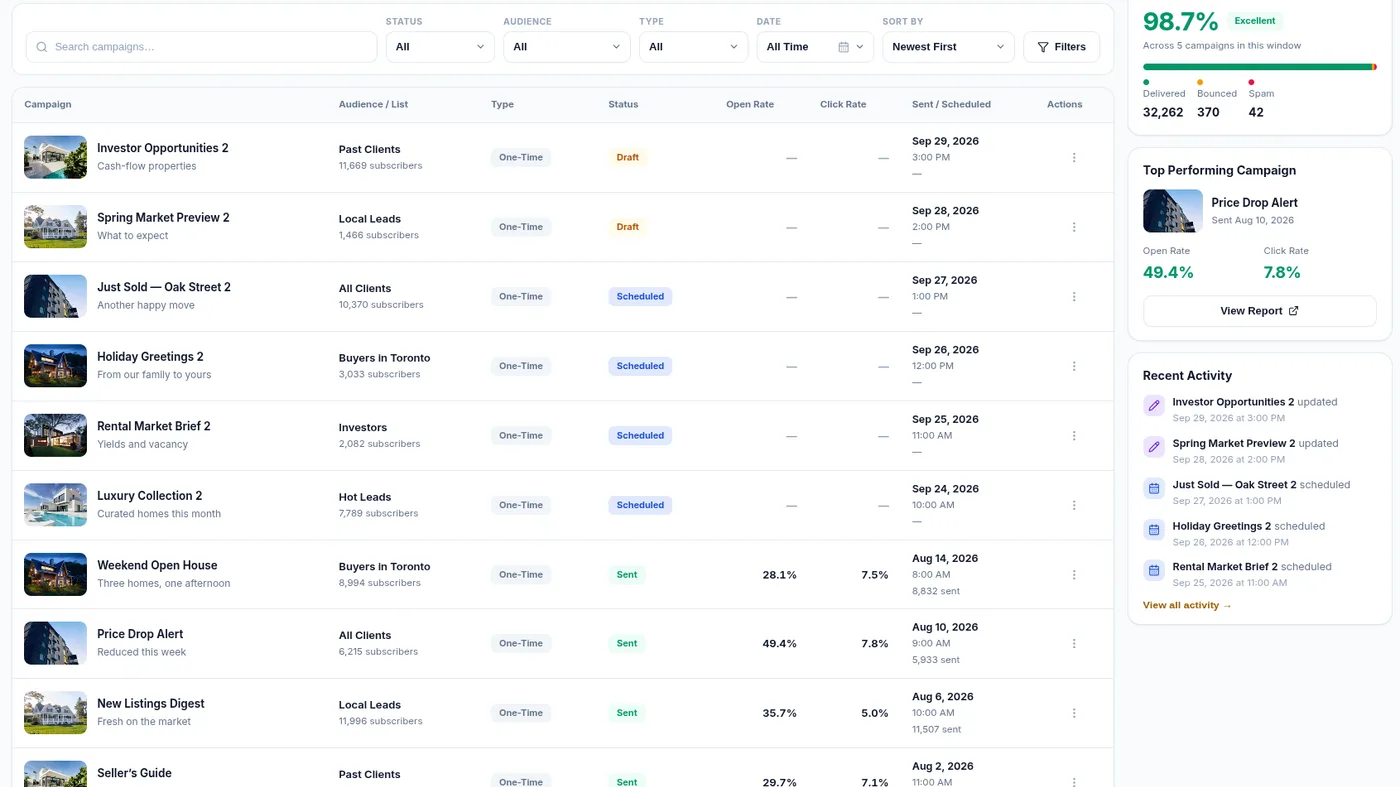
Campaigns From Your CRM Lists
Run email campaigns against the audience lists already in your CRM, and see sent, delivered, opened and clicked for each.
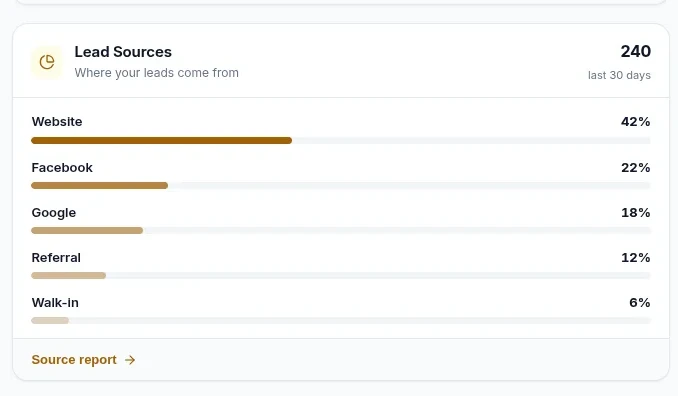
Marketing Analytics
Review where leads come from and how they move, from one place.
How AI Marketing Works
1. Start From a Listing
Pick a listing from your CRM, or describe the piece you need: a flyer, a caption, an area write-up.
2. Draft With AI
A first draft of public remarks, a headline, per-platform captions or flyer copy, in the tone you choose.
3. Read It, Then Edit It
Nothing publishes on its own. You review every draft and decide whether it goes out under your name.
4. Publish and Check Results
Schedule or publish to Facebook, Instagram, LinkedIn and X, then see likes and comments sync back per post.
What it does not do
The first two matter most. Copy that goes out under your licence is your responsibility, and no software here changes that.
- No Fair Housing or advertising compliance check. There is no automated review step; a person reads every draft before it goes out.
- No manager approval workflow. A brokerage cannot require sign-off before a post publishes; the only review is your own.
- Four networks only: Facebook, Instagram, LinkedIn and X. No TikTok, Threads, YouTube or Pinterest.
- Organic posting only. No Meta or Google Ads, no boosted posts, no paid targeting.
- “Publish now” means within about a minute. Posts are queued and picked up by a scheduler.
- AI does not write email campaigns or blog articles, score leads, suggest next actions or recommend properties.
- AI usage is metered, and the allowance can depend on your plan.
Who It Is For
Solo agents
The blank page is the bottleneck. A description, a flyer and four posts per listing, from one screen.
Teams
Brand settings and a template library keep every listing announced the same way, agent to agent.
Brokerages
Know the boundaries first: no approval gate and no compliance check, so review stays a people process.
FAQ
AI Marketing, Answered
Which social networks can RealFoyer publish to?
Facebook, Instagram, LinkedIn and X. No TikTok, Threads, YouTube or Pinterest.
Does RealFoyer check Fair Housing compliance automatically?
No. Nothing reviews generated copy for compliance. A person has to read every draft before it goes out.
Can a manager approve content before it publishes?
No. There is no approval workflow, so sign-off cannot be enforced in the software. Scheduled posts publish as scheduled.
Can AI Marketing write my marketing emails?
No. Email campaigns use the structured email builder, which the AI does not draft. It writes listing copy, captions, flyer copy and area write-ups.
Does AI Marketing run paid ads?
No. Publishing is organic only, to your own connected accounts. There is no Meta or Google Ads integration.
Is AI usage unlimited?
No. Usage is metered and the allowance depends on your plan, so RealFoyer does not publish one fixed number.
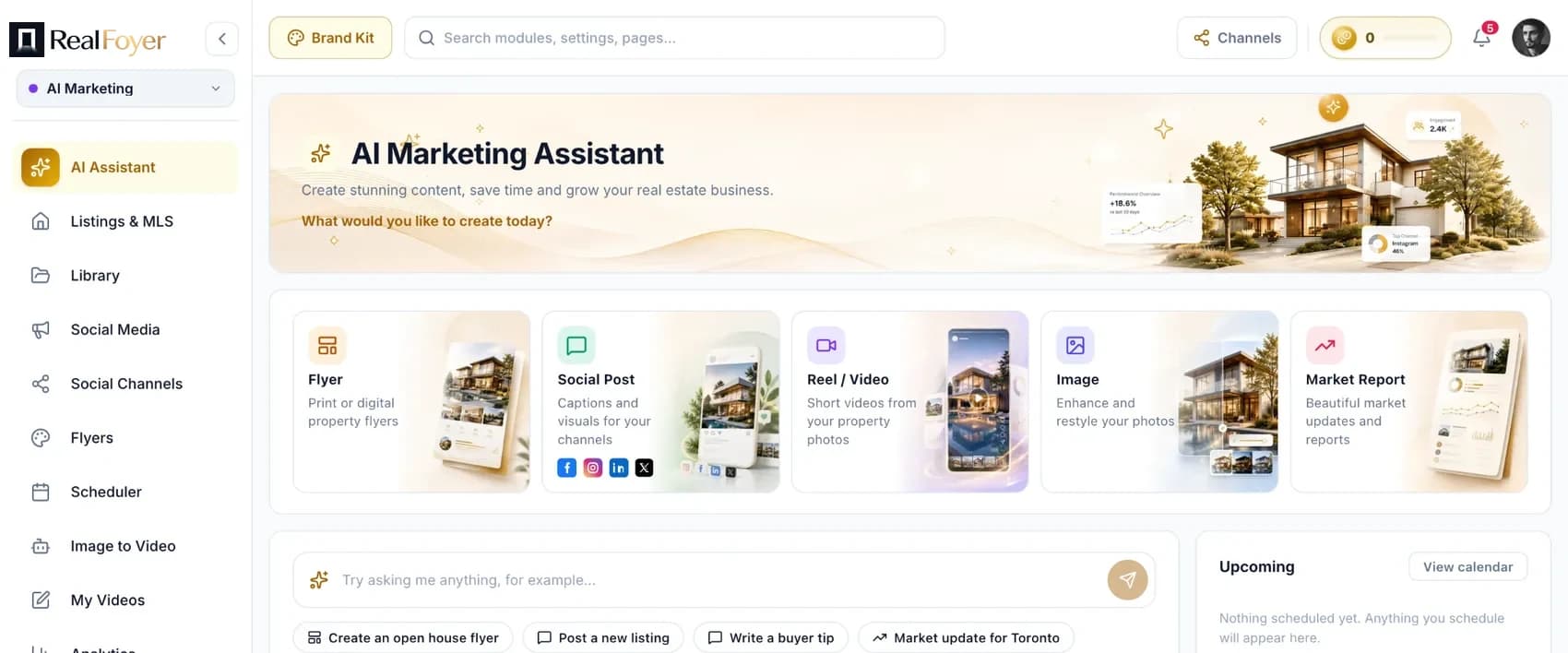
Market Smarter. Save Time.
Win More Clients.
Create and manage real estate marketing from one connected RealFoyer platform.
- 14-Day Free Trial
- No Credit Card Required
- Built for Real Estate
Keep exploring
Further reading
In the Help Centre