IDX & MLS
How to Choose an IDX Website Platform: A Practical Checklist
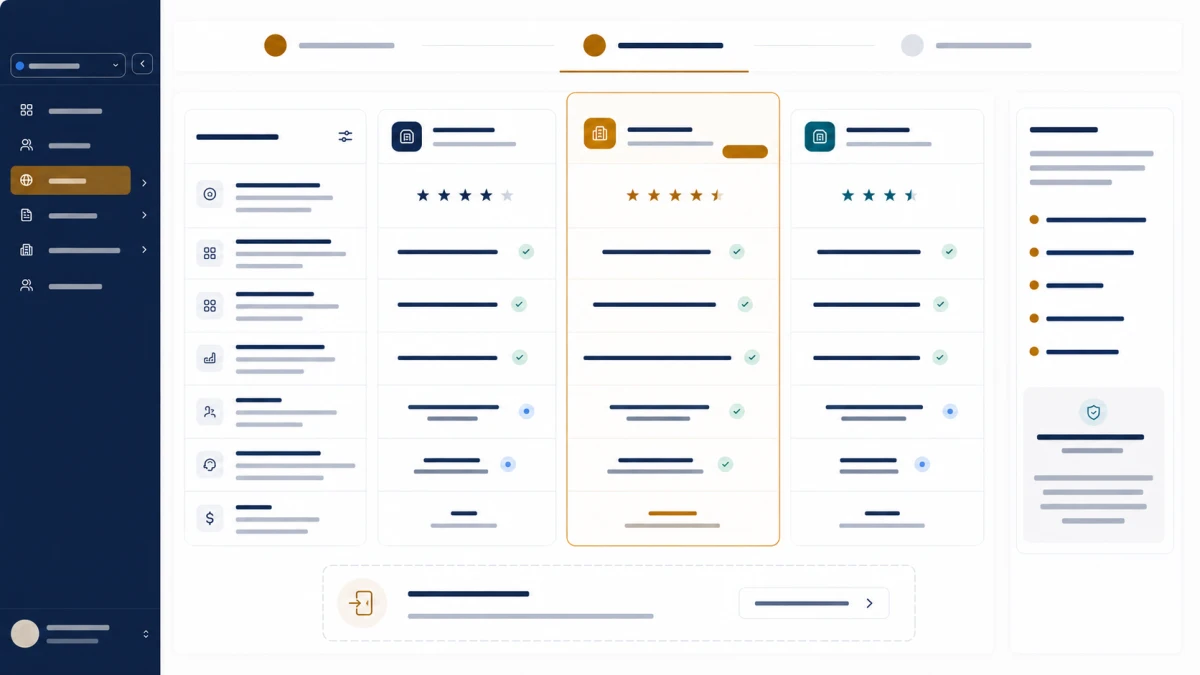
Twelve questions to ask before committing to an IDX platform: coverage, indexability, data freshness, lead context and leaving.
Introduction
Most IDX platform comparisons are feature grids, and feature grids are close to useless here. Every vendor has map search. Every vendor has saved searches. The grid tells you nothing about which one you will regret.
What actually separates them is a smaller set of questions, most of which are not on the marketing page — and the expensive mistakes cluster in two places: the data layer, and the exit.
⚡ Quick answer — what matters most when choosing an IDX platform? Three things, in order. Can they serve your board? Everything else is hypothetical until that is confirmed in writing. Are your listing and area pages indexable? Gated listings and filter-URL "area pages" cap your organic ceiling permanently. Can you leave? Ask about lead export, domain ownership and URL structure before you sign, not when you are already unhappy.
The checklist
Structural — expensive to unwind later
Which boards can they actually serve you?
No feed, no site. Get it confirmed in writing before signing
Are listing pages indexable, or behind a registration wall?
Gated listings are not indexed listings — this decides your organic ceiling
Are area pages real pages with their own metadata?
If areas are filter URLs, you cannot rank for the places you serve
Is listing inventory rendered in your page, or in an iframe?
Iframe content does not belong to your page as far as search engines are concerned
Operational — you live with these daily
How often does listing data refresh, and what happens when a sync fails?
A sold home still showing is the failure your clients notice
Can visitors save searches and get alerts on a schedule they choose?
This is the main mechanism turning anonymous traffic into contactable leads
Where do enquiries land, and do they carry the visitor's browsing history?
An enquiry without context is a cold call you paid for
Can you edit pages, menus and content without a developer?
Otherwise every change is a support ticket and a delay
Exit — ask before you need the answer
Can you export your leads and their history, in a standard format?
If not, you are not choosing a platform — you are choosing a permanent one
Do you own the domain, and can you take it with you?
Domain control is the difference between moving and starting over
What happens to your content and URLs if you leave?
Rankings you earned belong to URLs. Losing the structure loses them
Is the contract month-to-month, and what does cancelling involve?
Ask how, not whether — the process is where the friction hides
Grouped by what a wrong answer costs. The structural four are hard to reverse once you have built on them; the exit four are the ones nobody asks until it is too late to matter.
Builder, plugin or custom site?
Before the twelve questions, one decision usually gets made by accident: which kind of thing you are buying. "IDX website builder" is how many people phrase the platform option, and the phrase hides three buying models with different costs over time.
| Model | What you are buying | The cost that arrives later |
|---|---|---|
| Website builder with IDX (a platform) | The site, the feed, the search, the area pages and usually the CRM, as one system | Dependence on one vendor, which is why the exit questions below exist |
| Your CMS plus an IDX plugin | A listing layer added to a site you already run | Seams: several things to update, leads that arrive as email, and listing URLs that vanish if the plugin goes |
| A custom build | A developer connecting your board's feed and building search on it | Maintenance, permanently: field mapping when the board changes, sync monitoring, compliance display |
Three rules for choosing. If the site exists to confirm you are real, the plugin route on the site you have is fine. If it exists to produce leads and rank for places, the listing and area pages need to be yours, on your domain, which points to a platform or a custom build. And whichever you choose, do not expect the behaviour of another: a plugin will not rank like a platform, and a platform will not bend like custom code.
MLS plugin vs IDX widget vs direct integration compares the delivery formats underneath these models. The rest of this checklist assumes you are evaluating a platform, because that is where the decisions that are hard to undo sit.
Structural — get these right or nothing else matters
Which boards can they actually serve you?
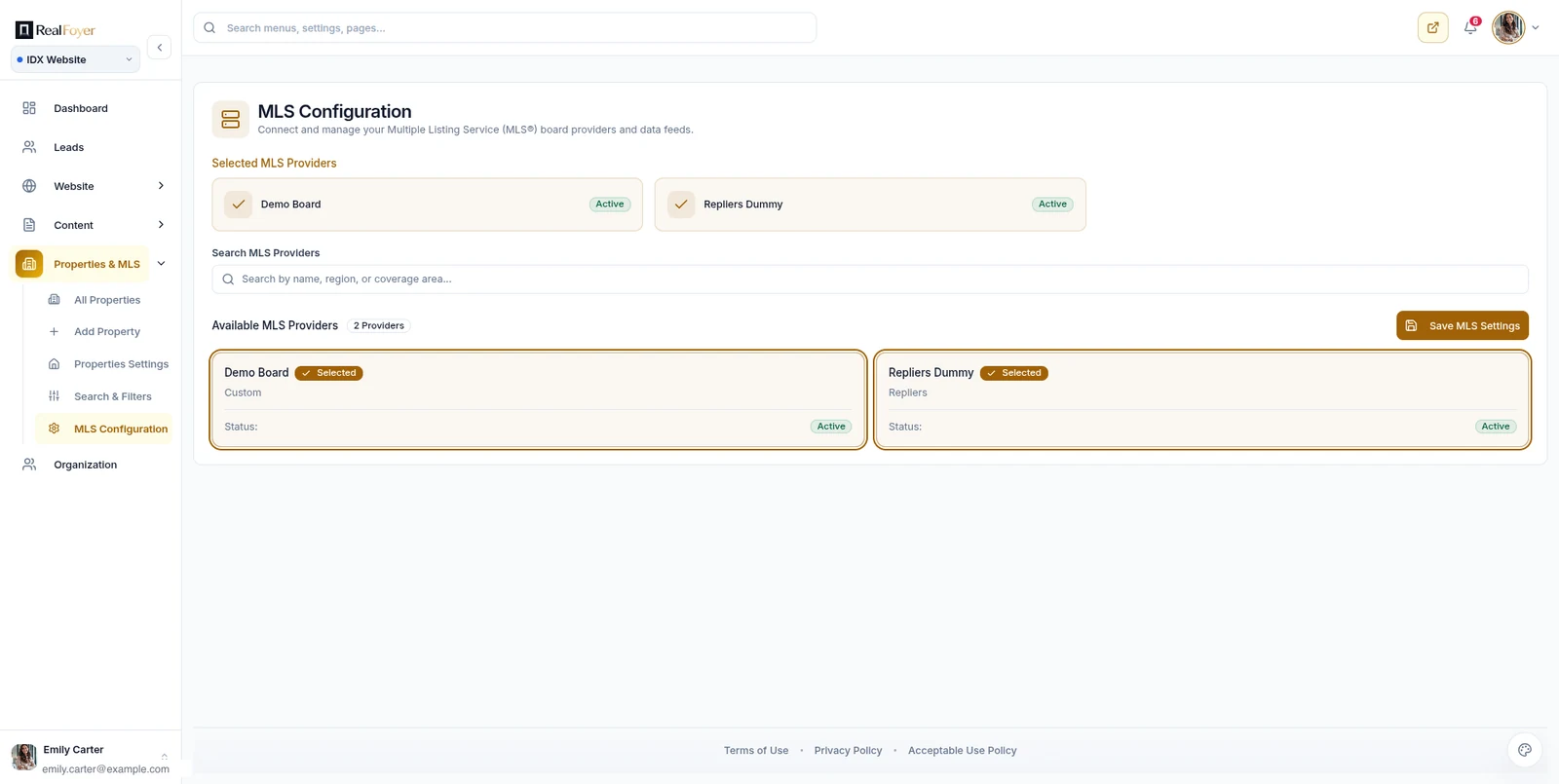
The first question, and the one where enthusiasm outruns accuracy most often. "We support 300+ boards" is a marketing sentence. "Yes, we have an active feed with your board" is an answer.
Get it in writing, with your specific board named. Ask what the approval process looks like and how long it typically takes — the timeline is usually set by the board, not the vendor, and a vendor who is straight with you about that is telling you something useful about how they operate.
If you work more than one board, ask about each separately. Coverage is per-board, not regional. See MLS integration for how the data actually reaches your site.
Are listing pages indexable?
Some platforms put listings behind a registration wall by default. That reliably improves your conversion rate and can reduce your total leads — and it removes the pages from the index entirely.
Ask to see a live client site and check whether listing pages are publicly reachable. If they are not, you are buying a lead-capture tool rather than a website that can be found. That may be the right choice for you, but it should be a choice. Website conversion covers the trade-off with the arithmetic.
Are area pages real pages?
This is the question that separates platforms that can rank from platforms that cannot.
A real area page has its own URL, its own metadata, its own editable content, and listing inventory matched to a boundary you drew. A fake one is a filtered search result with a place name in the title.
Ask specifically: can I write my own content on an area page, and is the listing block driven by a drawn boundary or a postcode filter? If it is a postcode filter, your pages will describe one area and list another — see neighbourhood pages.
Is inventory rendered in your page or in an iframe?
Content inside a third-party iframe does not belong to your page as far as search engines are concerned. It is one of the more common reasons an otherwise good site underperforms, and it is invisible unless you check.
View source on a demo site and look for whether listings are in the page markup.
Operational — the daily experience
How fresh is the data, and what happens when a sync fails?
Ask two things: how often it updates, and what happens when an update fails.
The second question is the revealing one. Every feed fails sometimes. What matters is whether the platform notices, retries and reconciles — or whether a sold home sits on your site for a week until a client mentions it. The sync lifecycle covers where staleness enters.
Can visitors save searches and get alerts?
The main mechanism by which anonymous traffic becomes someone you can contact. Ask whether visitors choose their own alert frequency, and whether alerts actually deliver — a saved search that produces nothing for three weeks teaches the visitor the site does not work.
Saved searches vs contact forms covers why this matters more than the contact form does.
Where do enquiries land, and what do they carry?
An enquiry that arrives as an email is a cold call you paid for. An enquiry that arrives as a record with the sender's browsing history attached is a conversation.
Ask whether the website and the CRM share one record. Platforms that bolt a third-party CRM onto a website usually cannot show you which properties a lead viewed, and that is the single most useful thing on the record. The CRM guide covers what good looks like.
Can you edit it without a developer?
Pages, menus, blog posts, area content. If routine changes require a support ticket, you will stop making them, and the site will quietly go stale.
Exit — ask before you need the answer
The section people skip, and the one that costs the most.
Can you export your leads and their history?
Not just names and emails — notes, dates, activity, source. Ask for a sample export file.
A vendor who cannot produce a complete export in a standard format is telling you something about the relationship. CRM migration covers what a good export contains.
Do you own the domain?
Register it yourself, in your own account, wherever possible. A domain held in a vendor's account is the difference between moving and starting over.
What happens to your URLs?
Rankings attach to URLs. If your area pages live at a structure that only exists inside one platform, leaving means losing them unless the new platform can reproduce the paths and you can put redirects in place.
Ask what your URL structure will be, and whether you can export your content.
What does cancelling involve?
Not whether you can cancel — everyone says yes. Ask how: notice period, whether it is self-serve or requires a conversation, what happens to your site on the last day.
Questions to ask on a demo
Most demos show you the product working. These get at what happens when it does not:
- "Show me a live client site in my market." Not a demo instance. A real one, with real inventory.
- "Show me an area page a client wrote themselves." Distinguishes real area pages from templates.
- "What happens when a feed sync fails?" Listen for whether they have thought about it.
- "Show me an enquiry arriving in the CRM." Does it carry browsing history?
- "Can I see a sample lead export?" The exit question, asked early.
- "What does this not do?" The most informative question you can ask. A vendor who cannot name a limitation is either not listening or not being straight with you.
What not to weight heavily
Template count. Twenty themes you will use one of. Ask instead whether you can change yours later without rebuilding.
Feature-list length. Long lists are easy to write. Several of the capabilities most commonly listed in this category — automated lead routing, lead scoring, SMS from the CRM — are worth verifying specifically rather than accepting from a grid.
Design polish in the demo. Demos are built to look good. Look at client sites.
Price alone. The expensive mistake is not the monthly fee, it is a platform you cannot rank on or cannot leave.
FAQ
How long does it take to go live? Site build is usually fast. Going live depends on board feed approval, which is the board's process. Be sceptical of a firm date.
Should I choose a platform before or after joining a board? After, or at least once you know which board. Coverage is the first gate.
Can I keep my current domain? Almost always, and confirm who holds the registration.
What if my board is not supported? Ask what would be involved and on what timeline, without treating an optimistic answer as a commitment.
Is a bigger vendor safer? Not inherently. The questions above are the same either way, and a large vendor is no more likely to give you a clean export.
Is an IDX website builder better than an IDX plugin? For a site that has to rank and capture leads, usually, because the pages and the lead record are yours. For a site you already like and mainly need to exist, a plugin that creates real pages under your domain can be the right call. The builder, plugin or custom section above has the three rules.
How much should I customise up front? Less than you want to. Get the structure right — indexable listings, real area pages, working alerts — and treat design as iterative.
In short
Confirm the board coverage in writing. Check that listings and area pages are genuinely indexable and rendered in your own page. Make sure enquiries arrive with context attached. And ask the exit questions — export, domain, URLs, cancellation — while you still have leverage.
Everything else on a feature grid is secondary to those, and a vendor willing to tell you what their product does not do is worth more than one with a longer list.
Explore RealFoyer IDX websites — the product page names what it does not do as well as what it does, which is the standard this article is asking you to hold every vendor to.
Related reading
- Real Estate IDX Websites: The Complete Guide
- MLS Integration: How Listing Data Reaches Your Website
- MLS & IDX Compliance: What Your Website Must Handle
- Technical SEO for Real Estate Websites
- Real Estate Website Conversion
- MLS Plugin vs IDX Widget vs Direct MLS Integration
Research Integrity
Published 17 August 2026, completing the planned 24-article architecture — this article was specified in the original plan as #14 and was missed between implementation phases. No vendor is named, compared or criticised, and no market-share, pricing or performance figures appear. The guidance on board coverage deliberately warns against accepting a published board count, consistent with the standard applied to RealFoyer's own marketing, where no coverage number is published either. The capabilities flagged as "worth verifying specifically" — automated routing, lead scoring, SMS from the CRM — are named because they are commonly listed in this category and are worth confirming against any platform. RealFoyer supports automated routing and lead scoring; SMS from the CRM it does not, which is disclosed on the product page rather than hidden.
Updated 22 September 2026 with a short section on builder, plugin and custom buying models, added here instead of as a separate article so that one small search family is answered by one page. No vendor is named in the new section, and nothing else in the checklist changed.