Conversion
Real Estate Website Conversion: Turning Search Traffic Into Leads
How search traffic becomes identified leads: the five-rung identification ladder, why registration walls flatter your dashboard, and what to measure instead.
Introduction
Your website has visitors. Some of them are going to buy or sell a home in the next eighteen months. Almost none of them are going to fill in a contact form today.
That gap is the whole subject. Most advice about it is about forms — shorter forms, better buttons, more compelling copy. Those help at the margin. What actually decides the outcome is whether your site gives people a reason to identify themselves before they are ready to talk to anyone.
⚡ Quick answer — how does a real estate website convert search traffic? By treating identification as a ladder rather than a switch. A visitor goes from anonymous, to returning, to soft identified (they saved something), to contactable (they enquired), to qualified (you've spoken). Each rung asks for slightly more and gives something in return. Sites that convert well offer a reason to save before they ask for a reason to call. Sites that convert badly ask for a phone number on rung one.
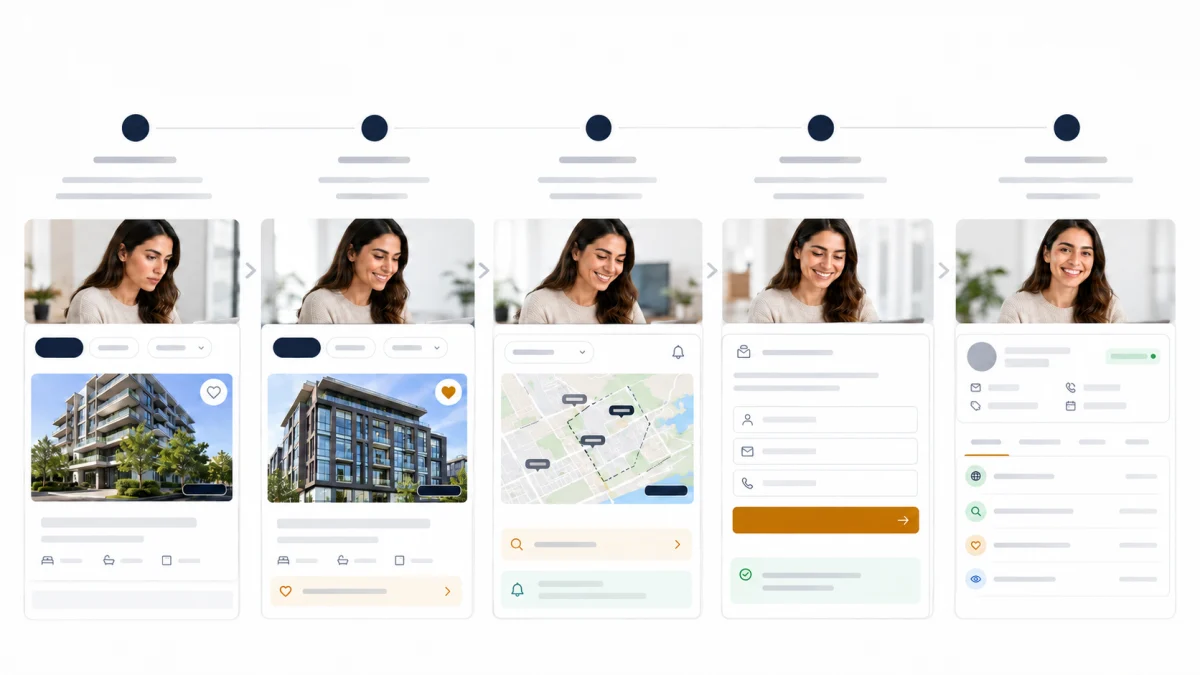
The identification ladder
- 1
Anonymous
Landed, viewed a listing or two, left
You know — Nothing identifying — a session and some page views
To advance — Give them a reason to come back, not a reason to register
- 2
Returning anonymous
Came back, viewed more, possibly refined a search
You know — Still nothing identifying, but the behaviour is now a pattern
To advance — Offer something that requires an identity to be useful — saving
- 3
Soft identified
Saved a listing, saved a search, or set an alert
You know — An email, and a written statement of what they want
To advance — Deliver on the alert. Value first, contact second
- 4
Contactable
Created an account, enquired, or requested a valuation
You know — A way to reach them, and permission implied by the enquiry
To advance — Respond to what they actually asked, quickly
- 5
Qualified
Replied, took a call, booked a viewing
You know — Timeline, budget, motivation — the things forms guess at
To advance — Now it is a relationship, not a conversion problem
Each rung is one step. Most conversion failures are an attempt to skip from the first to the fourth — asking for contact details before there is any reason to give them.
The valuable move is the third rung, and it is the one most sites skip entirely.
Soft identification is when someone gives you an email address in exchange for something that requires an email address to work — saving a listing, saving a search, setting an alert. They are not asking to be contacted. They are asking for the site to remember them.
That is a genuinely different transaction from a contact form, and it works for a different reason. A contact form asks the visitor to start a conversation. Saving a search asks them to describe what they want. Most people browsing at 10pm on a Tuesday are willing to do the second and not the first.
And a saved search is better information than a form, because the person composed it themselves rather than answering your questions. West end, $900k to $1.1M, three bedrooms, minimum two baths is a sharper statement of intent than any dropdown you would have offered.
Why registration walls flatter your dashboard
This is the operational insight of the article, and it costs agents money every year.
A registration wall makes visitors create an account before viewing listings. It is sold with a real number: conversion rate jumps, often dramatically.
The number is true and the framing is wrong.
Conversion rate is a ratio, and a wall changes the denominator. Visitors who leave at the wall are removed from the count. Of those who remain, a higher proportion identify themselves — of course they do, they were determined enough to make an account. The rate goes up whether or not you got more leads.
Two illustrative scenarios. The figures below are arithmetic to demonstrate the mechanism — they are not measurements from any site, and you should run the equivalent numbers on your own traffic rather than borrowing these.
Scenario A — you are the only good source of this inventory locally:
| No wall | Hard wall | |
|---|---|---|
| Monthly visitors | 1,000 | 1,000 |
| Reached listings | 1,000 | 340 |
| Identified | 28 | 41 |
| Conversion rate | 2.8% | 12.1% |
| Total leads | 28 | 41 |
Here the wall won — more leads and a better rate. This happens, and it is why walls persist.
Scenario B — same site, but three competing IDX sites and a strong portal presence:
| No wall | Hard wall | |
|---|---|---|
| Monthly visitors | 1,000 | 1,000 |
| Reached listings | 1,000 | 180 |
| Identified | 28 | 22 |
| Conversion rate | 2.8% | 12.2% |
| Total leads | 28 | 22 |
Near-identical conversion rate. Six fewer leads a month. The dashboard reports a four-fold improvement.
The variable that decides it is substitutability. If a visitor can get the same listings elsewhere in one click, a wall exports them to whoever does not have one. If they cannot, the wall is a reasonable filter.
Two practical consequences:
Never judge a wall on conversion rate. It is the one metric guaranteed to improve regardless of whether the change helped. Judge on total identified visitors per month, and on appointments.
If you test one, test it properly. Half of traffic gated and half not, for a full month, compared on absolute leads and appointments — not rates. Turning a wall on and comparing to last month tells you nothing, because last month had different traffic.
Deciding what to gate
A middle path exists between gating everything and gating nothing.
Ungated, always: listing search, listing detail pages, area and city pages, anything you want search engines to index. Gated content is not indexed content, and an IDX site's traffic advantage comes largely from those pages being crawlable.
Naturally gated, because they need an identity to function: saving a listing, saving a search, setting an alert, viewing your saved items. No persuasion required — the request is self-evidently necessary.
Reasonably gated after real usage: some sites gate sold-price history or full photo sets after a number of views. This is defensible if the threshold is generous and the value is genuine. It becomes a wall in disguise if the threshold is three.
Never gated: contact information, the ability to ask a question. Making it hard to reach you is not a conversion strategy.
Making saving worth doing
If soft identification is the important rung, the saving experience is the thing to get right.
Ask at the moment of intent. The save prompt belongs on the listing they are looking at, at the moment they hover over it — not in a modal on arrival.
Ask for the minimum. An email address. Not a phone number, not a name, not a budget. Every additional field at this stage costs you people who would have given you the email.
Explain what happens next in one sentence. "We'll email you when a matching listing appears." Ambiguity about what an email address will be used for is the main reason people do not give one.
Then actually deliver. A saved search that produces nothing for three weeks teaches the person the site does not work. A saved search that emails them a genuinely matching listing on Thursday teaches them the opposite, and that is the entire mechanism by which soft identification becomes a conversation.
Let them control frequency. Instant, daily, weekly. Someone who chooses weekly is not less interested; they are telling you something useful about their timeline.
Seller capture
Buyers browse; sellers research quietly. The valuation request is the main seller signal a website can capture, and it behaves differently from a buyer enquiry — it is a much stronger signal, and it arrives from someone who may not be ready to say they are selling.
Three things worth getting right:
Be honest about what you provide. If the outcome is an agent's assessment rather than an instant algorithmic estimate, say so. Setting the expectation of a number and delivering a phone call is the fastest way to lose a seller.
Address entry is the friction point. Autocomplete matters more here than anywhere else on the site, because a homeowner typing their own address into a broken field simply leaves.
Follow up as a conversation. Someone requesting a valuation is often a year from listing. A follow-up that treats them as ready-to-transact reads as pressure.
Form design, briefly
Ask for less. Every field costs completions. Name, email, and the question is usually enough. Budget, timeline and pre-approval status are conversation questions, and the answers people type into forms are frequently wrong anyway.
Make the phone number optional and mean it. Requiring it costs a meaningful share of enquiries, and about half of what you receive is fabricated.
Contextualise the form. A form on a listing page should reference that listing. A generic "contact us" on a listing page throws away the context.
Confirm receipt immediately. Silence after submission is where confidence goes. See speed to lead for what should happen next.
Mobile
Most property browsing is on a phone. Two things matter more than the rest:
The save action must be reachable with a thumb and must not open a modal that covers the property. If saving requires two hands, it does not happen.
Forms must not fight the keyboard. Correct input types, no field that scrolls out of view when focused, no date picker that requires precision.
What to measure
Conversion rate is the worst headline metric available here, for the reason set out above. Four better ones:
Identified visitors per month, absolute. The number a wall cannot flatter.
Saved-search and alert signups. Rung three. The leading indicator for everything downstream.
Enquiries per month, absolute. Rung four.
Appointments booked. The only one that pays.
Then one diagnostic worth more than any of them: of the people who identified themselves this month, how many had you already seen before? If most identifications happen on a first visit, you are converting people who arrived ready. If they happen on a third or fourth visit, the ladder is working.
Where RealFoyer fits
This is the cluster where the product connection is most direct, so it is worth being specific rather than gesturing.
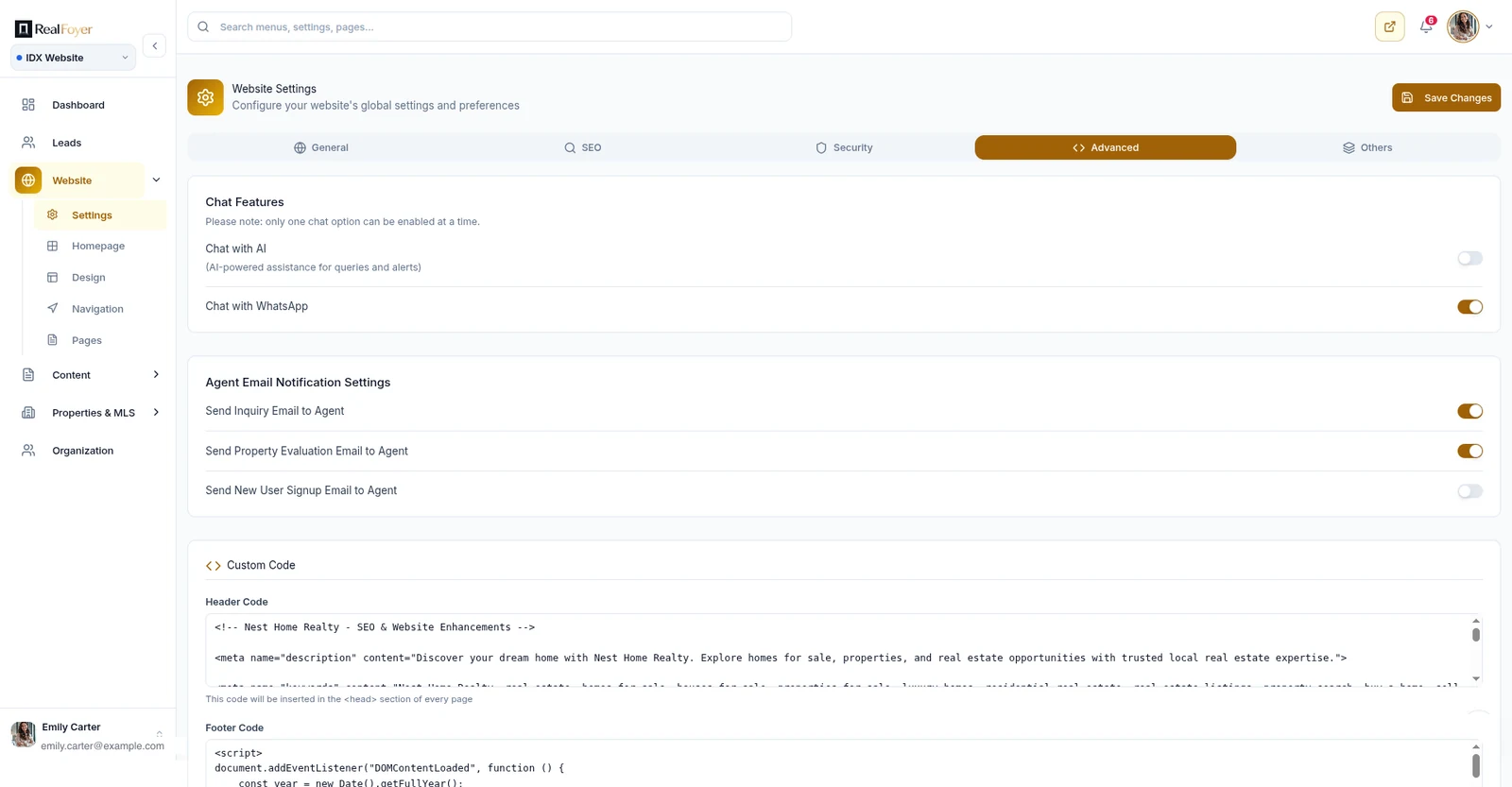
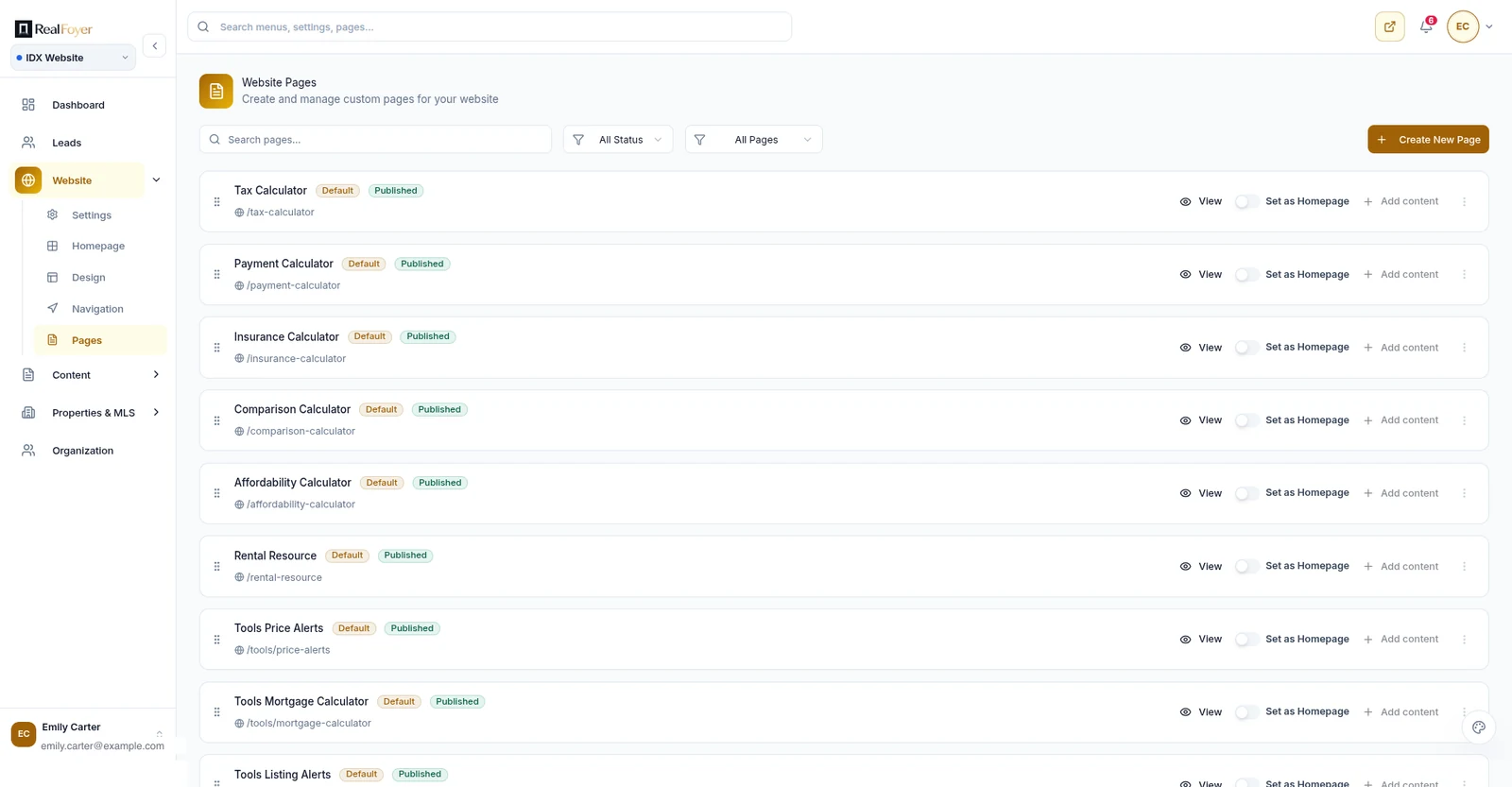
Verified capabilities relevant to everything above, and set out in full on the features page: property search and map search; saving listings and saving neighbourhoods; saved searches; listing alerts with instant, daily or weekly delivery; accounts with signup, login and social login; enquiry forms; home valuation capture; and visitor and property-view tracking that attaches to the lead record so the properties someone viewed are visible in the CRM.
That is the full ladder, ungated by default, with the saved-search-to-alert loop that makes rung three work.
Two limits stated plainly. The valuation feature captures a request — it is a lead-capture flow, not an automated valuation model, and nothing here should be read as a claim about estimate accuracy. And capabilities can be plan-dependent, so "RealFoyer can" is the accurate phrasing rather than "every RealFoyer site includes."
For where those leads land once captured, see the CRM guide. For how the listing inventory gets there in the first place, IDX websites. And for everything else the site needs beyond conversion, see the agent website features list.
Common failures
The modal on arrival. A newsletter popup before anyone has seen a listing. It costs more than it captures.
Gating the indexable pages. Removes the traffic advantage the site exists to produce.
Saved searches that never fire. Worse than not offering them.
Asking for a phone number on rung one. The single most common cause of a low identification rate.
Measuring rate instead of volume. Covered at length above, and still the most expensive mistake in the list.
An enquiry form with no response. Everything on this page is wasted if nobody answers.
FAQ
Should I use a registration wall? Only if your inventory is genuinely hard to get elsewhere, and only after a real split test measured on absolute leads. In competitive markets it usually costs more than it returns.
How many form fields is too many? More than four on a first contact. Name, email, message, optional phone.
Do saved searches actually convert? They convert differently. A saved search is a soft identification that becomes a conversation later, through a listing alert that arrives when something matches. Judged as an immediate lead source it looks weak; judged over ninety days it usually is not.
What about live chat? It works when someone actually answers. An unanswered chat widget is worse than none, for the same reason as an unanswered form.
Should I ask for budget on the form? No. People answer it inaccurately, and it costs completions. Ask in conversation.
How long before I judge a change? A full month minimum, and compare absolute numbers against a comparable period rather than against last month.
In short
Traffic becomes leads one rung at a time. The rung most sites skip is soft identification — letting someone save a listing or a search, which asks for an email in exchange for something that genuinely needs one.
Get that rung working, do not judge any change by conversion rate, and make sure the alerts you promised actually arrive. Everything above rung three depends on the site having already been useful.
Explore RealFoyer lead capture — saved listings, saved searches, listing alerts, accounts and valuation capture, with the resulting property activity visible on the lead record.
Related reading
- Saved Searches vs Contact Forms
- Home Valuation Lead Capture
- Real Estate IDX Websites: The Complete Guide
- Real Estate CRM: How Agents, Teams and Brokerages Should Actually Use One
- Lead Scoring for Real Estate
- Speed to Lead in Real Estate
Research Integrity
Rewritten 16 August 2026. The registration-wall analysis uses two worked scenarios whose figures are arithmetic constructed to demonstrate the denominator effect; they are labelled in the body as illustrative rather than measured, and readers are directed to run the equivalent numbers on their own traffic. No industry conversion benchmarks are quoted, because the figures in circulation for real estate website conversion trace to vendor material rather than to sources that survive checking. RealFoyer capabilities named here — property and map search, saved listings and neighbourhoods, saved searches, listing alerts with instant, daily or weekly delivery, accounts and social login, enquiry forms, valuation capture, and property-view tracking on the lead record — were each verified against the production codebase. Home valuation is described as capture rather than as an automated valuation model, which is what the system does. A visual specification block published as article body text has been removed. The closing link was added on 16 August 2026 once the destination carried real content.