Capture More Leads.
Convert More Clients.
Powerful lead capture tools, smart engagement and connected lead activity help turn website visitors into opportunities your agents can follow up with.
- Lead Capture Forms
- Smart Popups
- Website Assistant
- Property Inquiries
- Saved Search Registration
- Lead Notifications
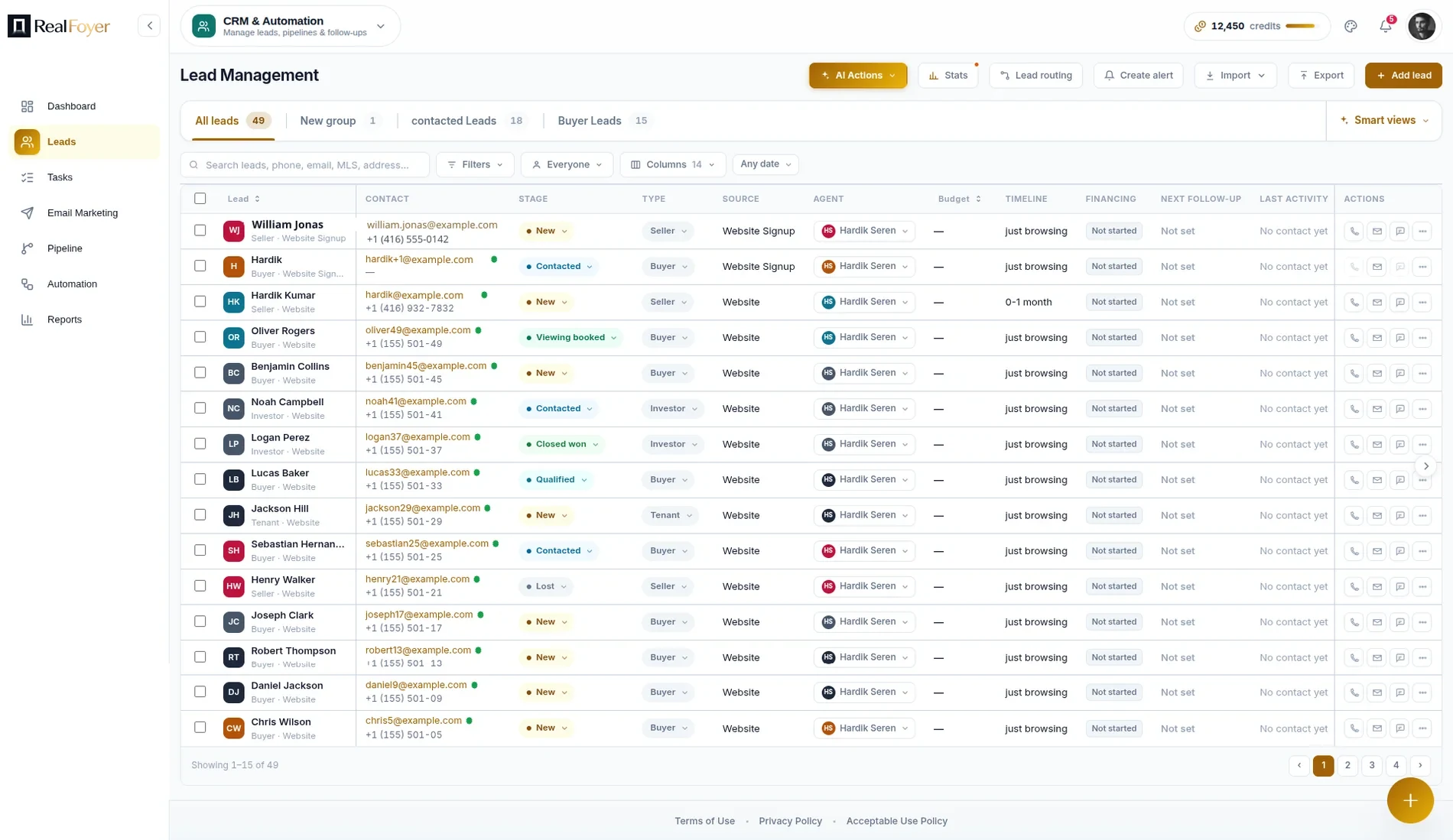
How a website visitor becomes a lead your agents can work
- Website Lead CaptureForms, popups and the assistant
- Property Context IncludedThe listing travels with the enquiry
- Saved Search RegistrationAlerts create a usable profile
- Agent Email AlertsPer-event, switchable
- CRM-Connected LeadsStraight into the pipeline
Everything You Need to Capture & Convert More Leads
Most visitors never fill in a form, but many save a listing, set up a search or ask about a property. Each becomes a lead, with context.
Lead Capture Forms
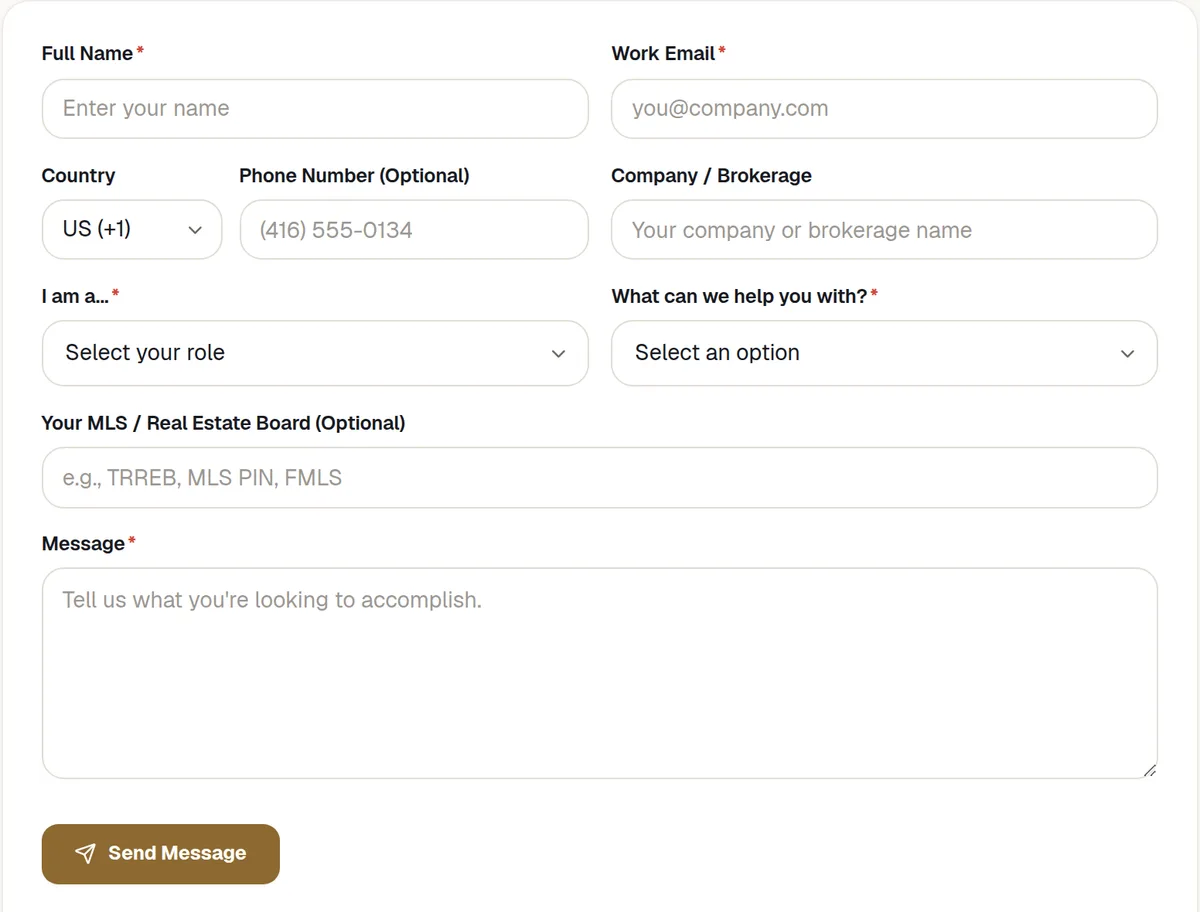
Capture buyer, seller and general enquiries with forms connected directly to RealFoyer.
Smart Popups
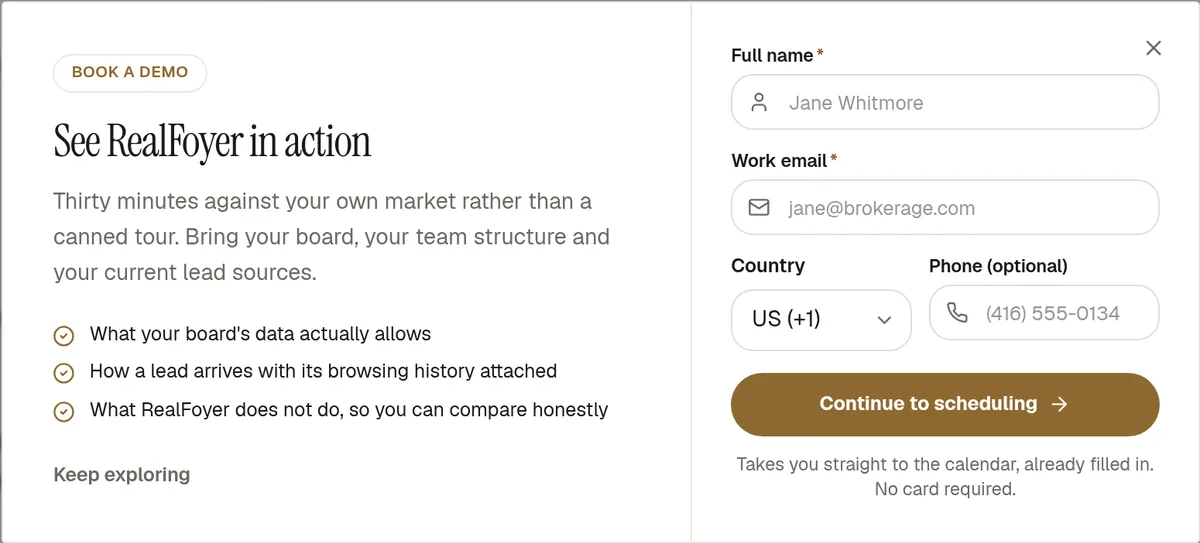
Prompt visitors at relevant moments without turning the website into an intrusive popup experience.
Website Assistant
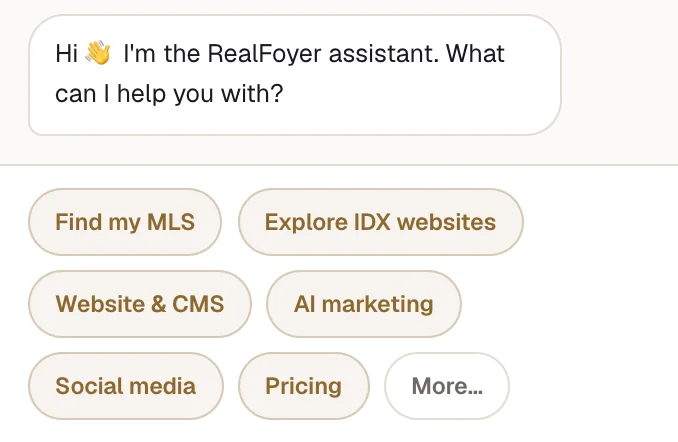
Answer common questions from a set list and point visitors at the right search, page or person.
Property Inquiries
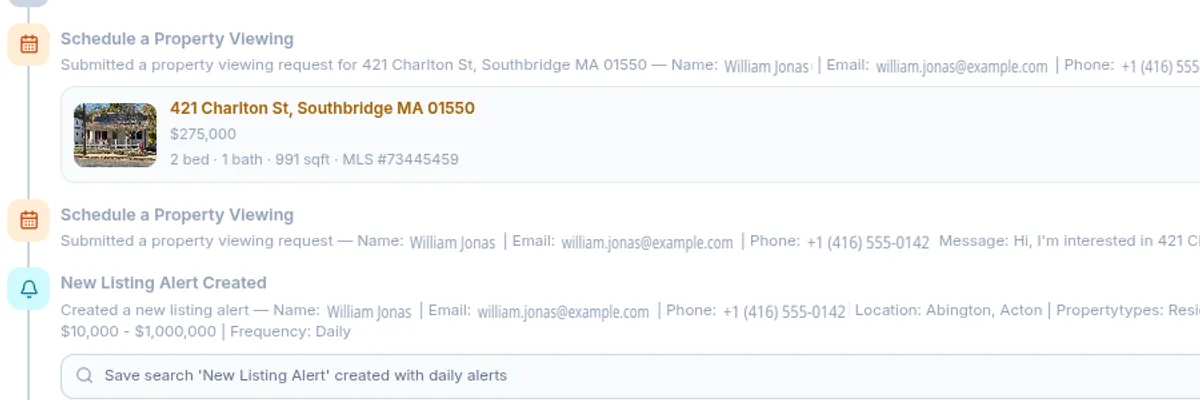
When someone asks about a listing, the listing travels with the enquiry — so the agent knows what generated it.
Saved Search Registration
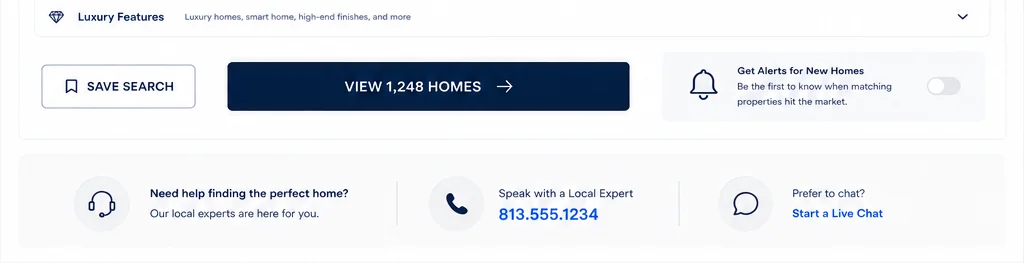
Buyers save a search and opt in to listing alerts, which leaves you a lead profile with their criteria on it.
Lead Notifications
Email the right agent when an enquiry, valuation request or new signup comes in — each one switchable.

How a Visitor Becomes a Lead
1. Someone browses
A visitor searches listings or opens a property, still anonymous.
2. They take an action
They save, enquire, request a showing or valuation, or sign up.
3. Context is captured
Who they are, the listing or page, and their question or criteria.
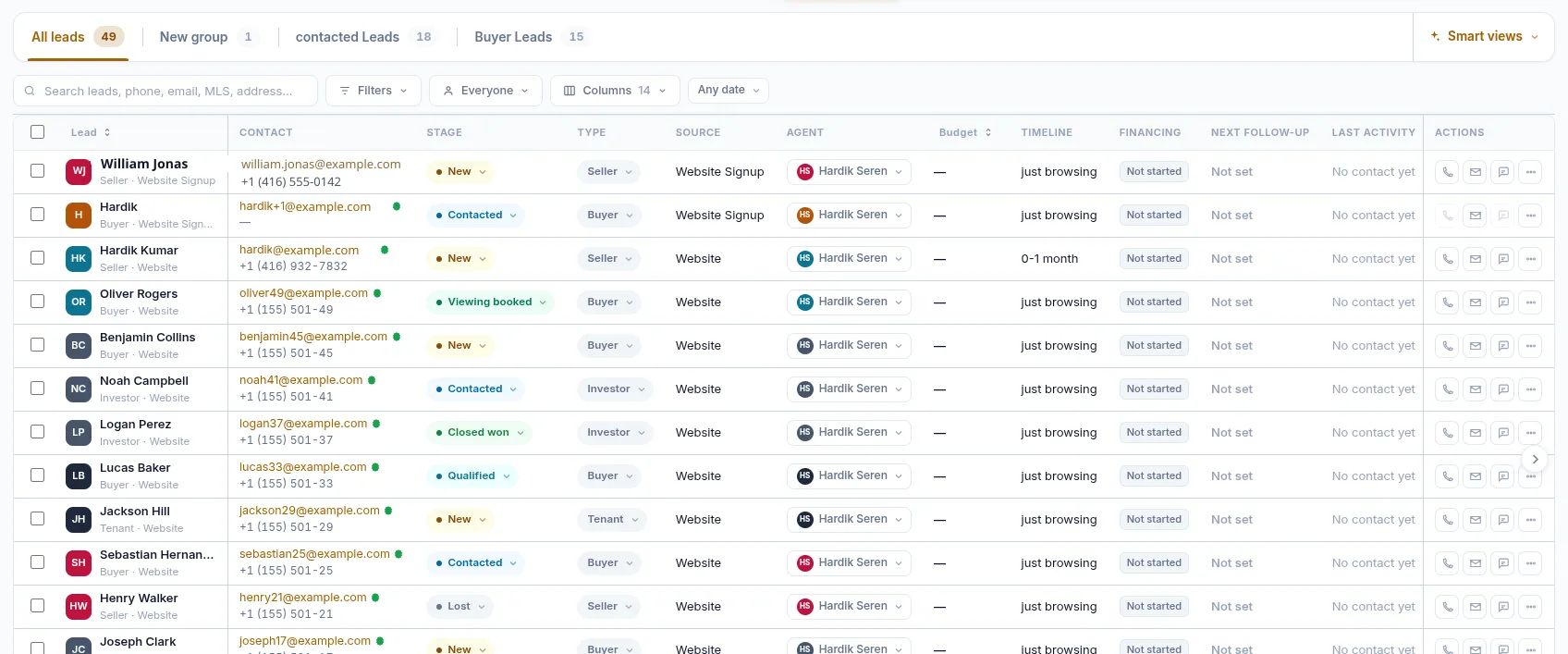
4. A lead record appears
The CRM creates or updates the record and its timeline.
5. Follow-up begins
The agent is notified; reminders, scoring, routing and sequences start.
Ways RealFoyer Captures Leads
Showing requests
A request to see a property, captured with property and page.
Saved listings and neighbourhoods
Saving needs an account, the easiest reason to share an email.
Saved searches and alerts
Saved criteria with instant, daily or weekly alerts for new matches.
Home valuation requests
An address-autocomplete seller form. It requests a valuation, not an estimate.
Accounts
Signup, login and social login; a returning visitor finds what they saved.
What Happens After a Lead Is Captured
A record with the context on it
The enquiry, the listing or page behind it, and the website activity: views, saves, searches, alerts.
Agent notifications
Email to the right agent for enquiries, valuations and signups, each type switchable.
Task Reminders
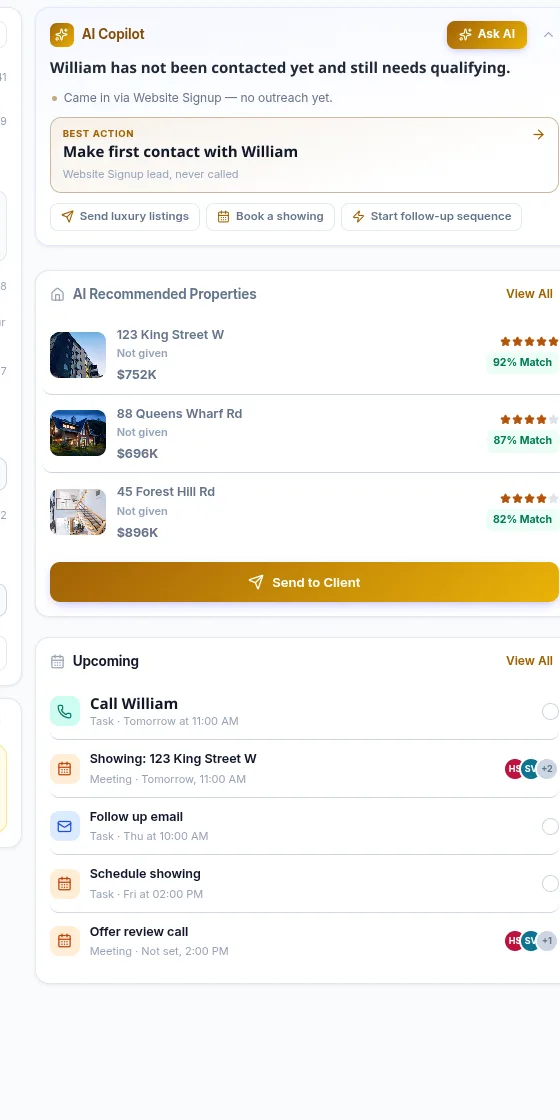
Calls, showings and follow-ups become tasks with a due date, priority, assignee and reminder.
Lead Scoring, Health and Priority
Lead health, out of 100 from budget, activity, engagement, response and timeline fit, shown as a priority.
Lead Routing
Rules assign each new lead, round-robin included, or forward it to a connected CRM.
Showings and follow-up
Appointments sit on the record; follow-up sequences keep leads moving.
Automate. Engage. Convert.
Lead Generation captures the intent and builds the record; Lead Automation routes, notifies, prioritises and follows up, in the same CRM.
- Automated Campaigns
- Task Reminders
- Lead Scoring
- Follow-Up Sequences
- Pipeline & Stages
- Reports & Activity
Who It Is For
Agents
See what your website produces and respond with the listing or search in front of you.
Teams
One list for incoming leads, routed by rule, each with an owner and a next step.
Brokerages
Several agents and sites on one lead workflow, set up once.
FAQ
Lead Capture, Answered
What actions can create a lead in RealFoyer?
Forms, property enquiries, showing requests, Smart Popups, the website assistant, saving a listing or search, valuation requests and signup.
Can visitors save searches and receive alerts?
Yes. They save their criteria and choose instant, daily or weekly alerts, shown on their record.
Does RealFoyer support Smart Popups?
Yes. Popups trigger on time on page, scroll depth, page rules or a visitor action.
Can agents get Task Reminders, and can leads be routed automatically?
Yes. Follow-ups become tasks with a due date and reminder; routing rules assign new leads or forward them to a connected CRM.
Does RealFoyer score and prioritise leads?
Yes. Lead health is scored out of 100 and shown as a priority signal. It orders attention; it decides nothing.
More Leads. More Conversations.
More Closings.
Capture enquiries, retain their context and give agents one place to follow up.
- 14-Day Free Trial
- No Credit Card Required
- Built for Real Estate
Keep exploring
Further reading
In the Help Centre